TikTok Shorts Reels YouTube
Make a video about Kaption. Get paid $10 to $100.
Kaption shows live translated subtitles in HoYoverse games. Show it off in a TikTok, Short, Reel or YouTube video. We set the rate after you publish, based on reach.
Prefer email? Write to contact@kaption.one. We usually reply within a few days.
Character build cards
The build card and quick guide of every character in one ZIP, per game, in English and in Polish. The same cards as under "Share" on the character pages: sets, main stats, substats, weapons, target stats and teams, with the game's own names.
-
Genshin Impact EN
131 characters · in English
-
Honkai: Star Rail EN
93 characters · in English
-
Wuthering Waves EN
60 characters · in English
-
Zenless Zone Zero EN
62 characters · in English
-
Genshin Impact PL
131 characters · in Polish
-
Honkai: Star Rail PL
93 characters · in Polish
-
Wuthering Waves PL
60 characters · in Polish
-
Zenless Zone Zero PL
62 characters · in Polish
The kits refresh after every game update. A card of your own account comes from My build.
What to record
A few ideas to start with. Your own take works too.
-
A quest clip
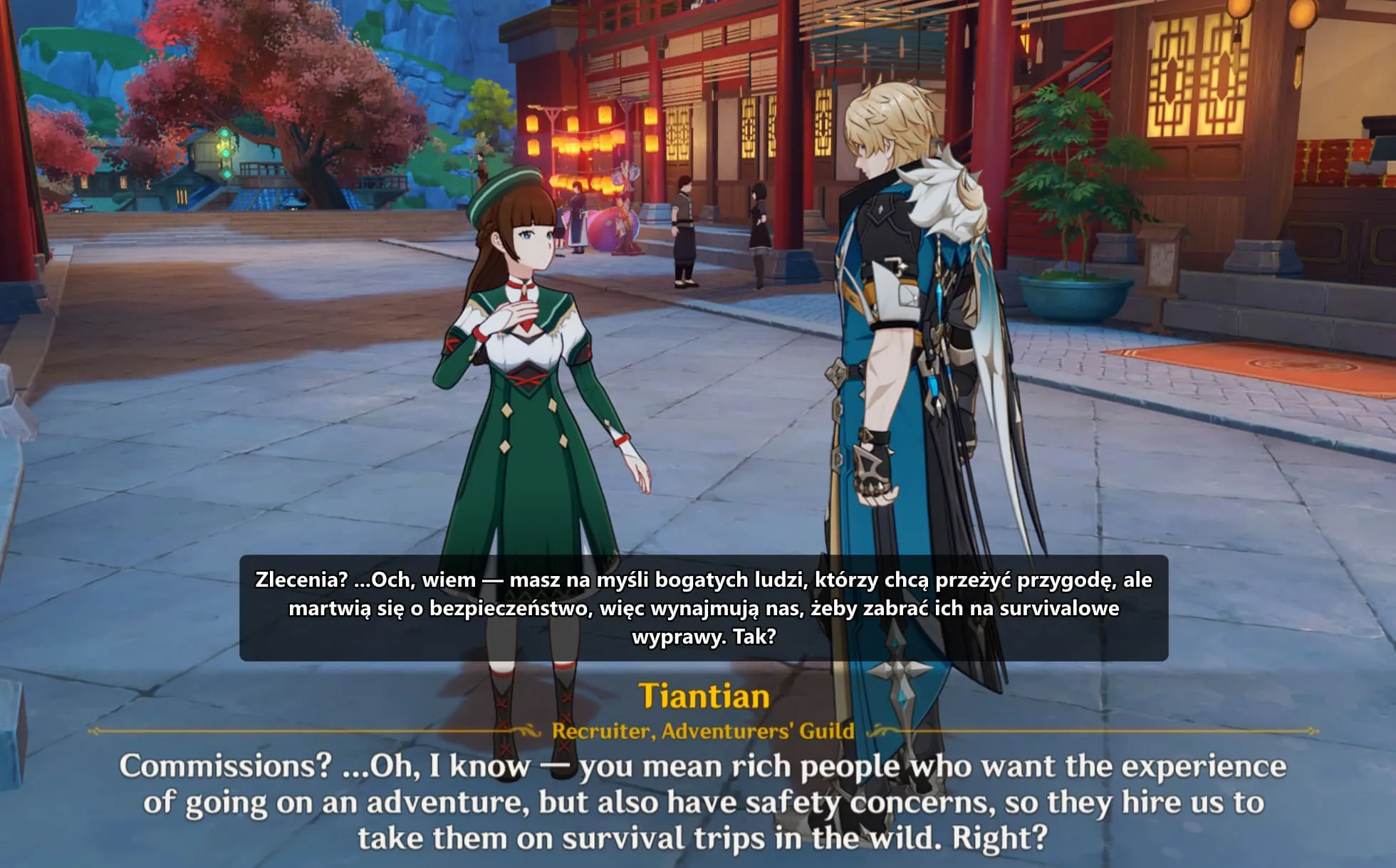
A few seconds of dialogue with the Polish line above the original. The simplest video, and it makes the point right away.
-
Before and after
The same dialogue twice: first without Kaption, then with Polish subtitles.
-
Setup in 60 seconds
A quick guide: download, select the dialogue area, play in Polish.
-
An honest review
What you like and what you do not. Criticism is fine too, as long as it is specific.
-
A reaction
Film someone seeing Genshin in Polish for the first time.
-
Your own idea
Another format in mind? Tell us on Discord.
Ready-made assets
Use the screenshots and the icon in your video or thumbnail.
Screenshots of Kaption 2.5
-
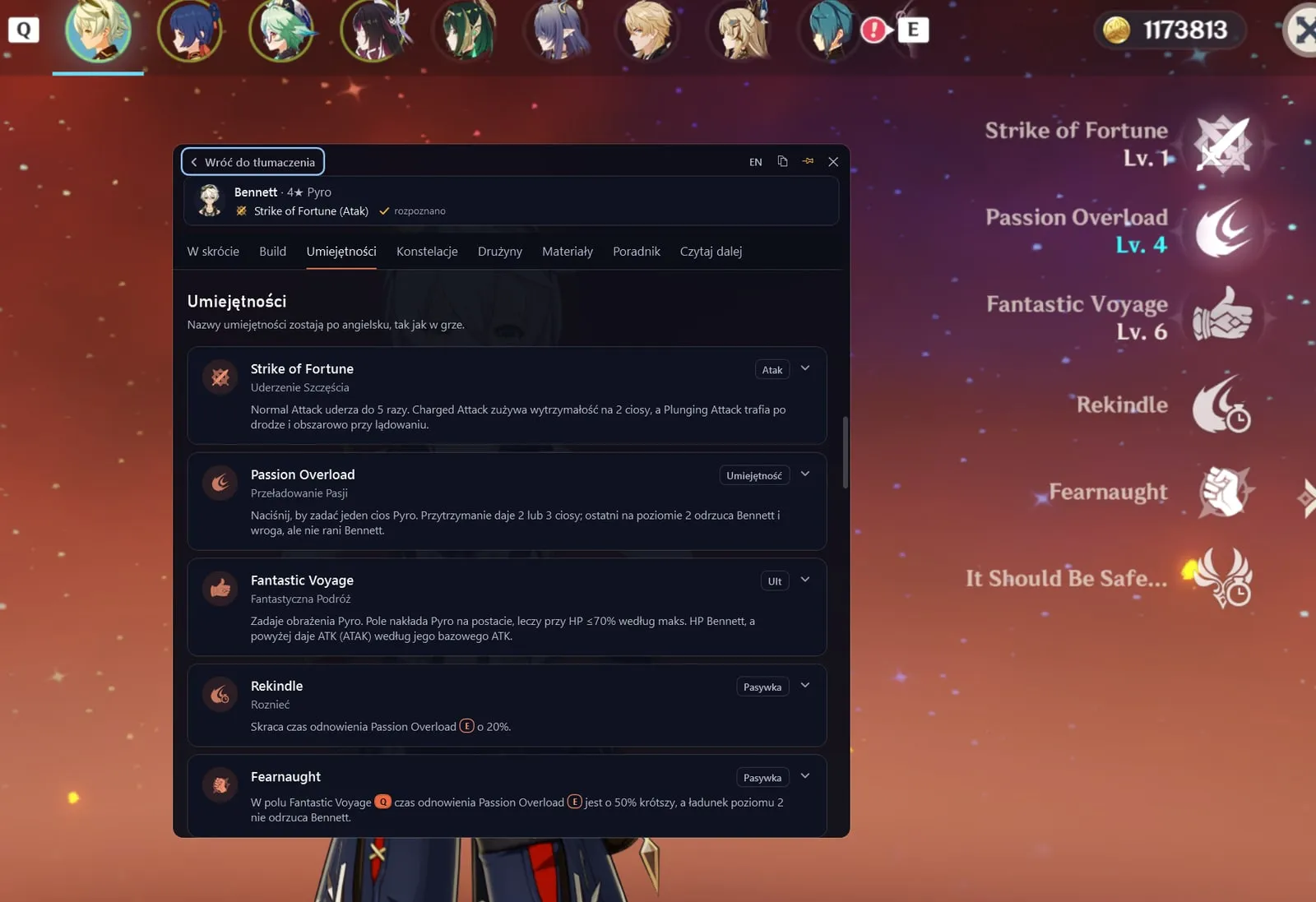
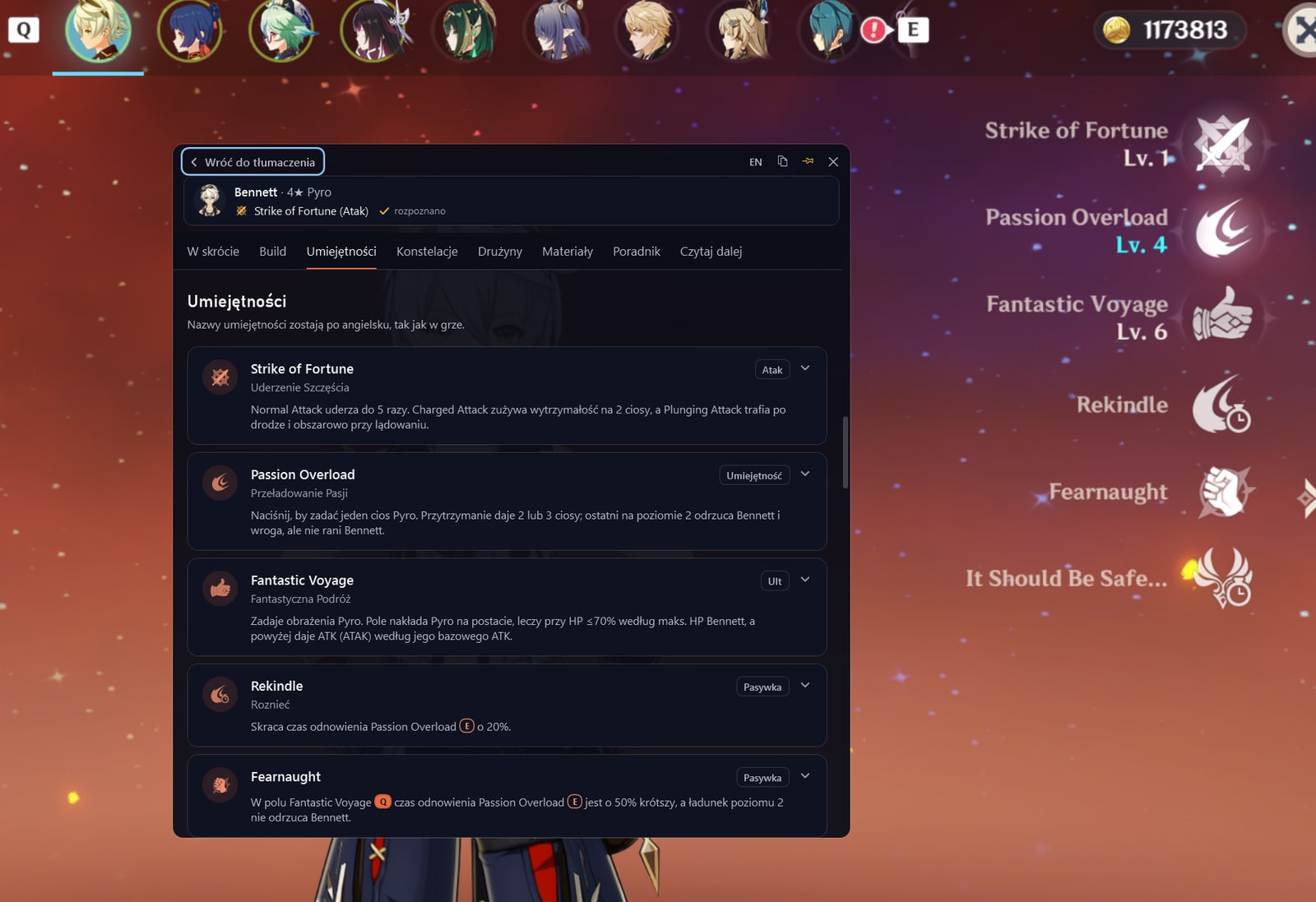
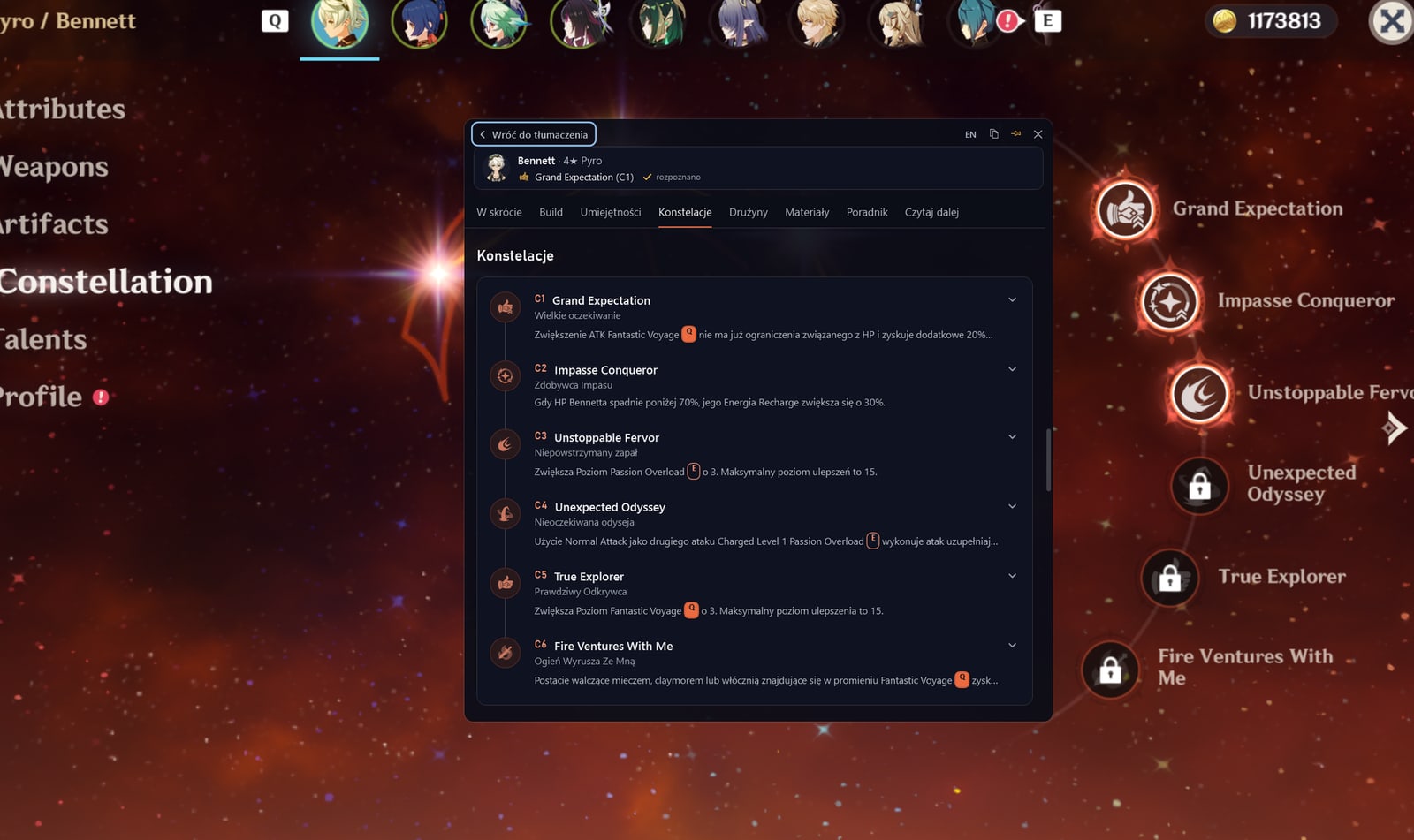
Ctrl+Q: Bennett's skills in Polish, over the game screen
Download: Ctrl+Q: Bennett's skills in Polish, over the game screen -
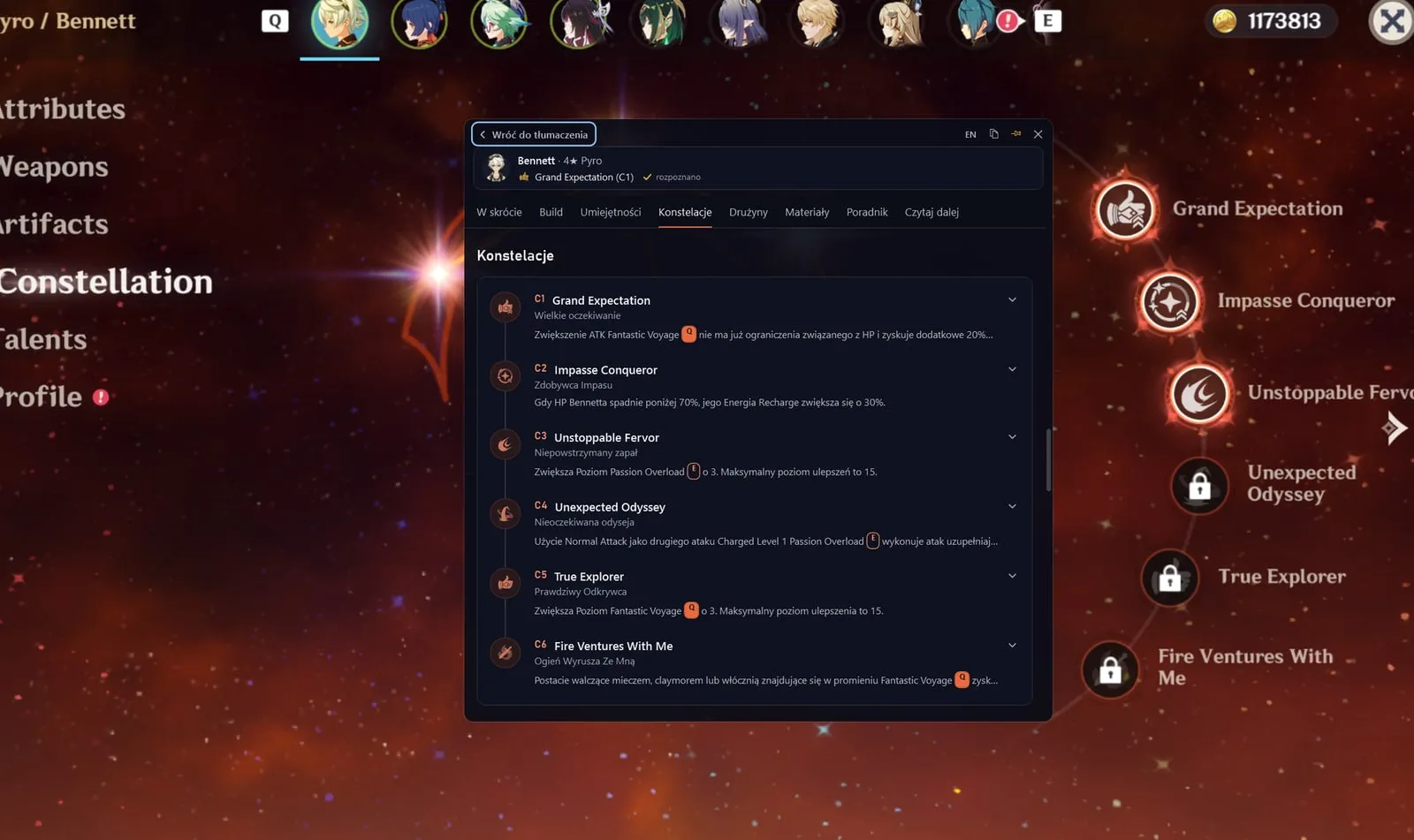
Ctrl+Q: Bennett's constellations
Download: Ctrl+Q: Bennett's constellations -
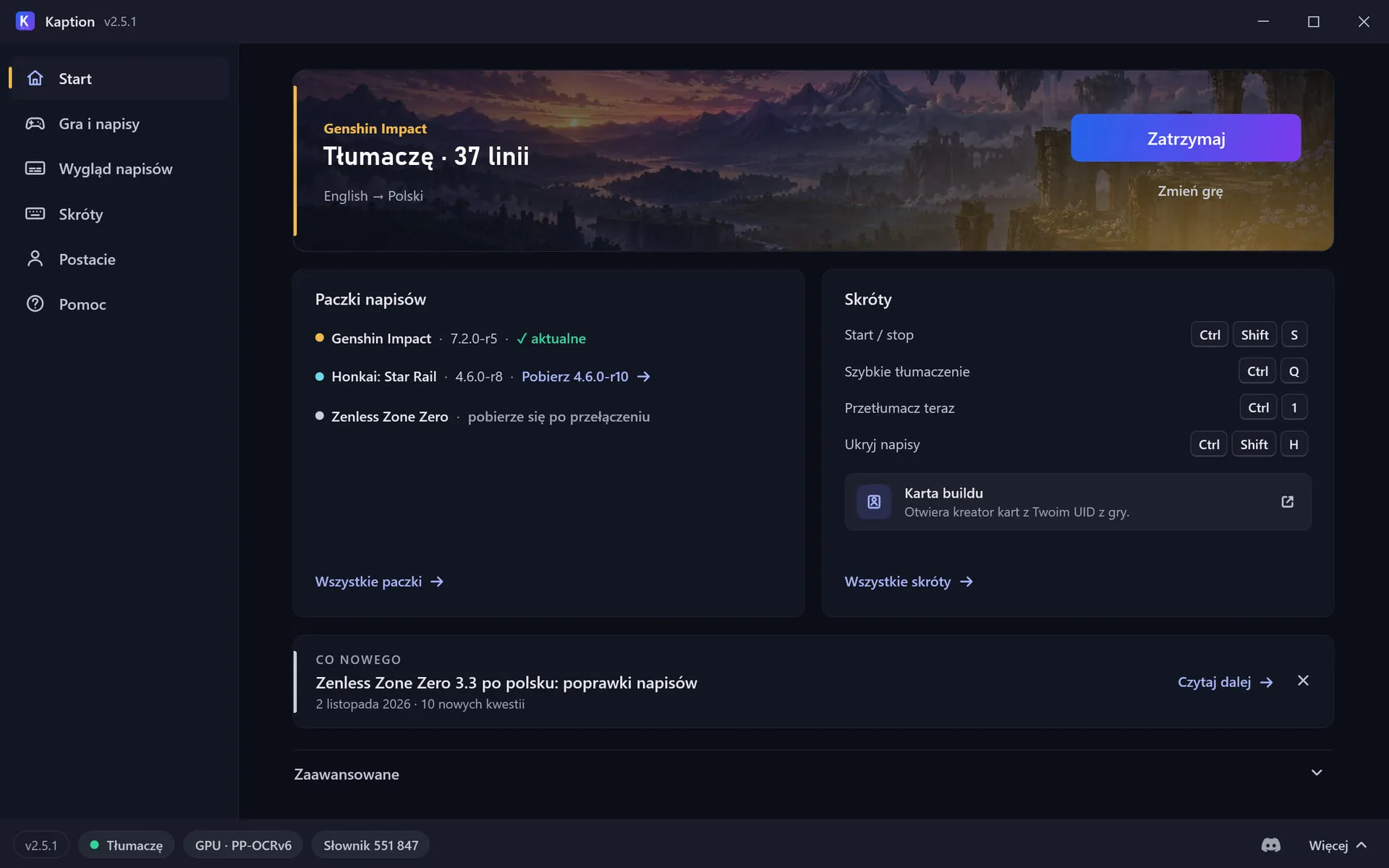
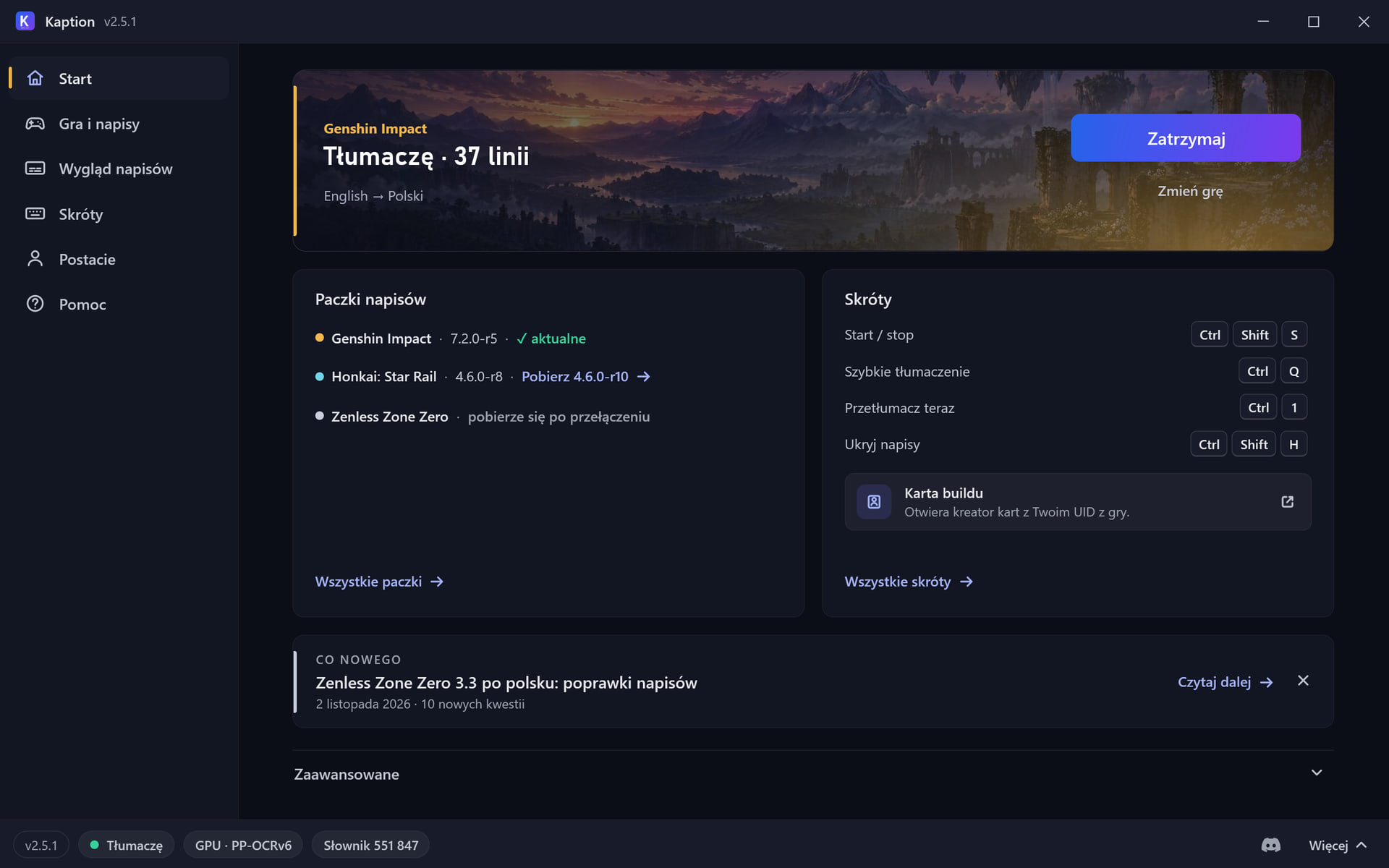
The app's Home while translating
Download: The app's Home while translating -
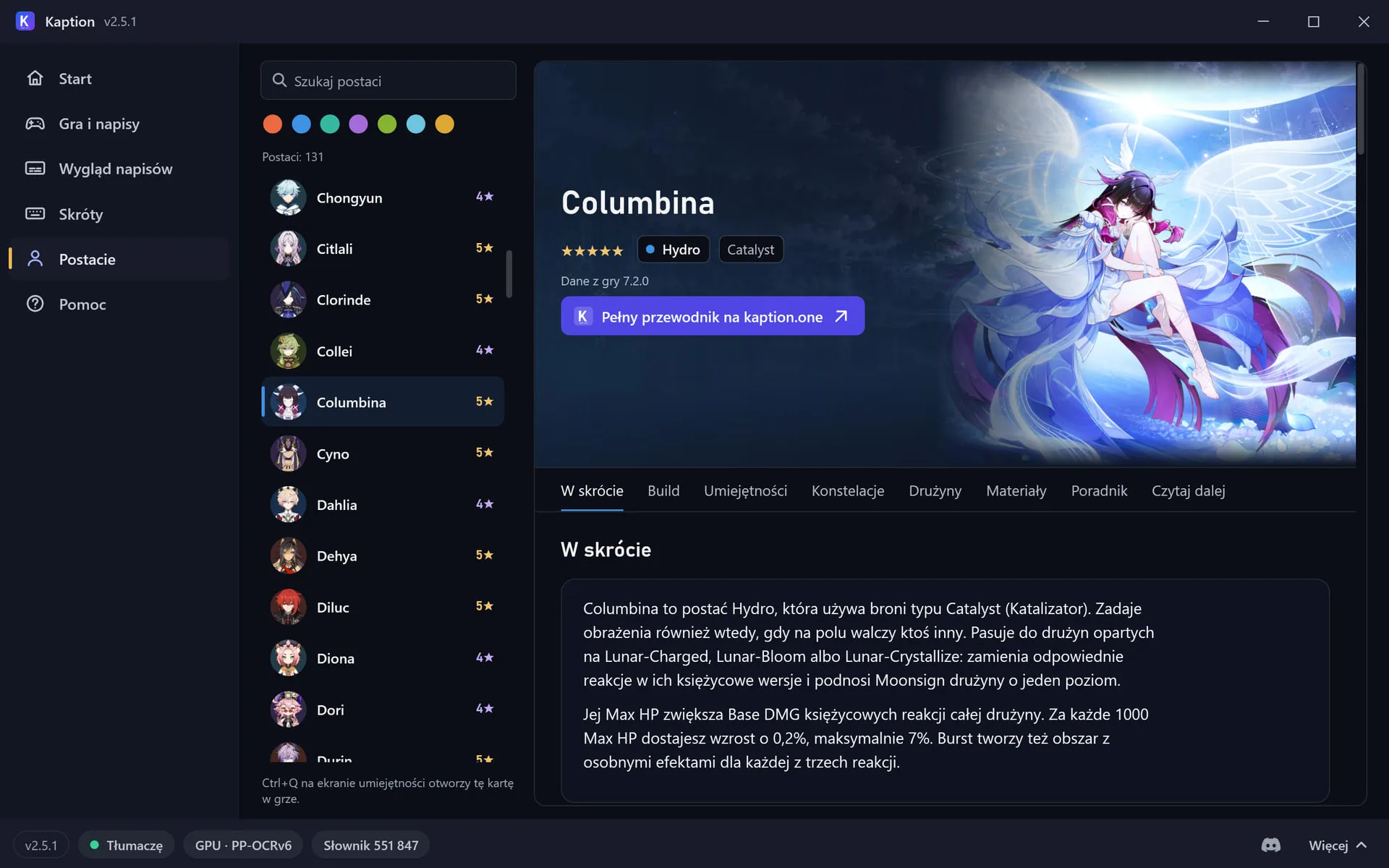
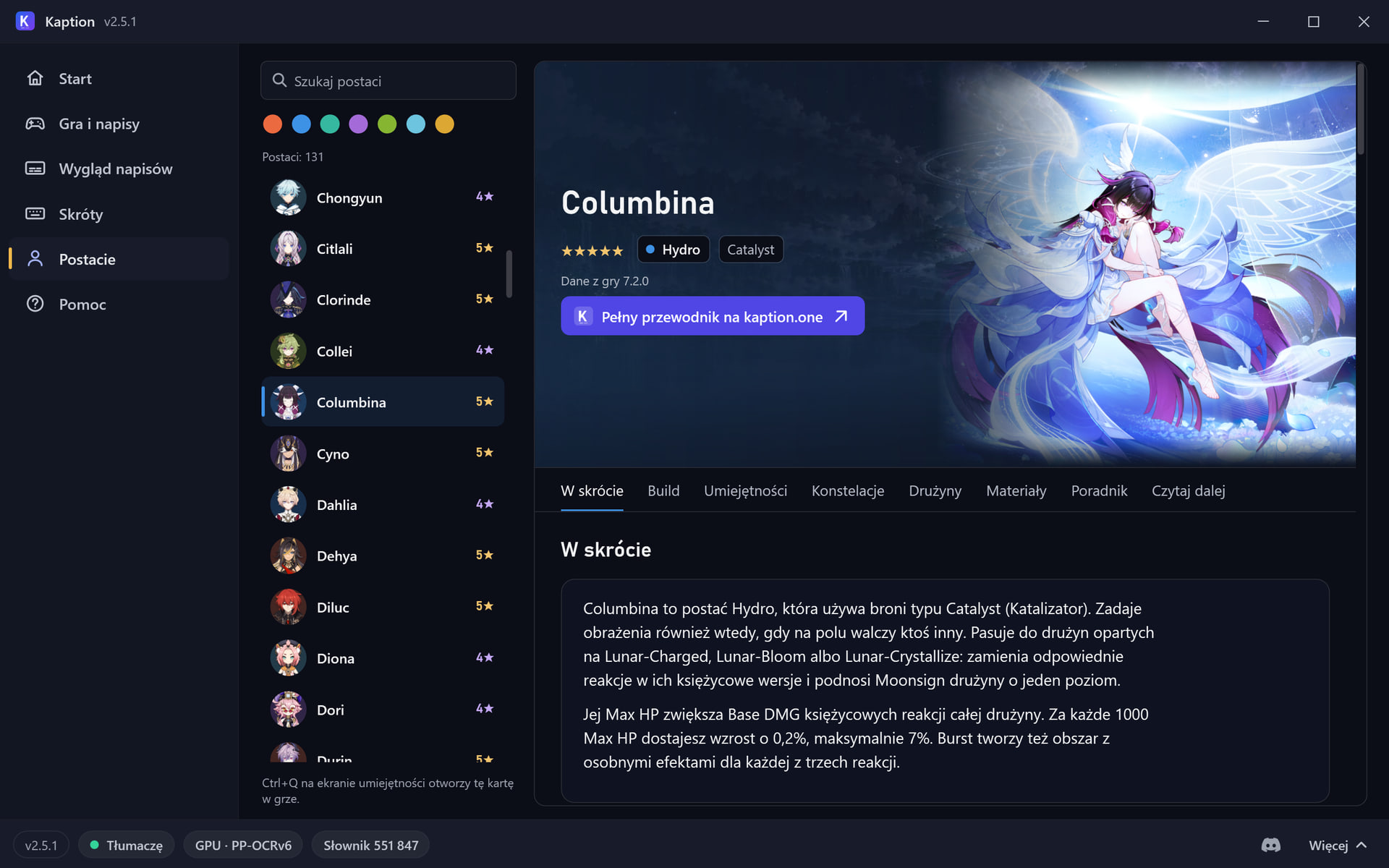
The Characters page in the app
Download: The Characters page in the app -
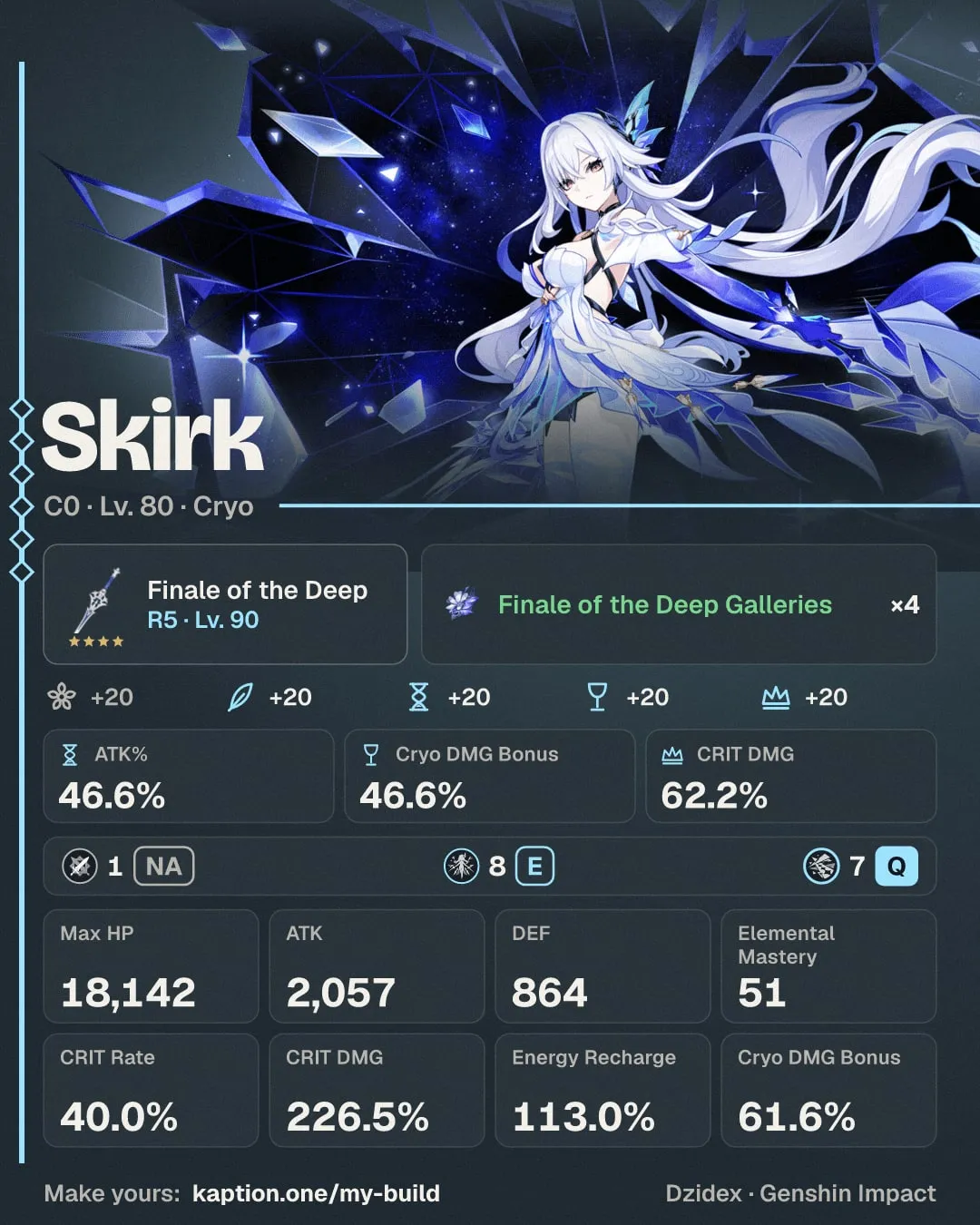
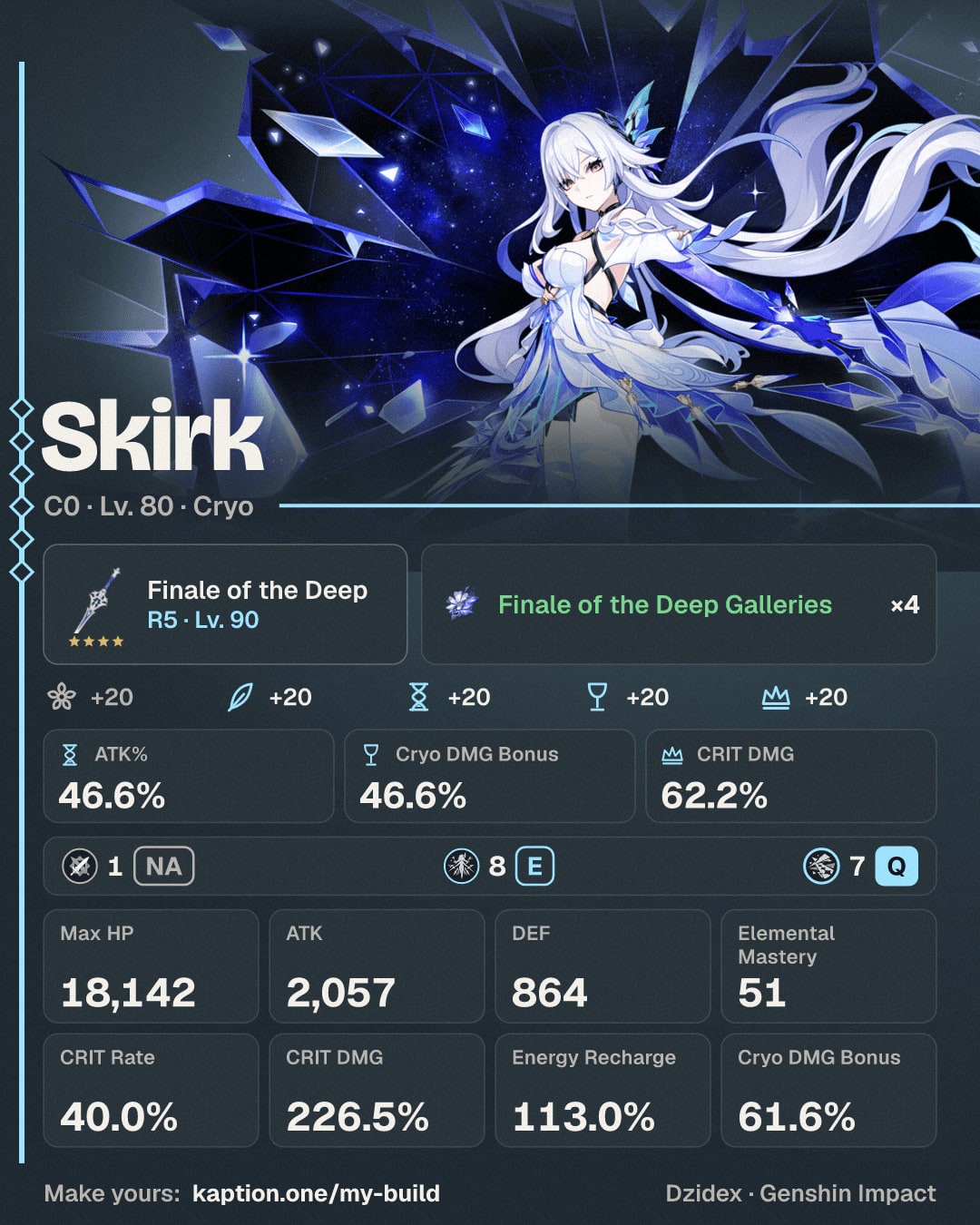
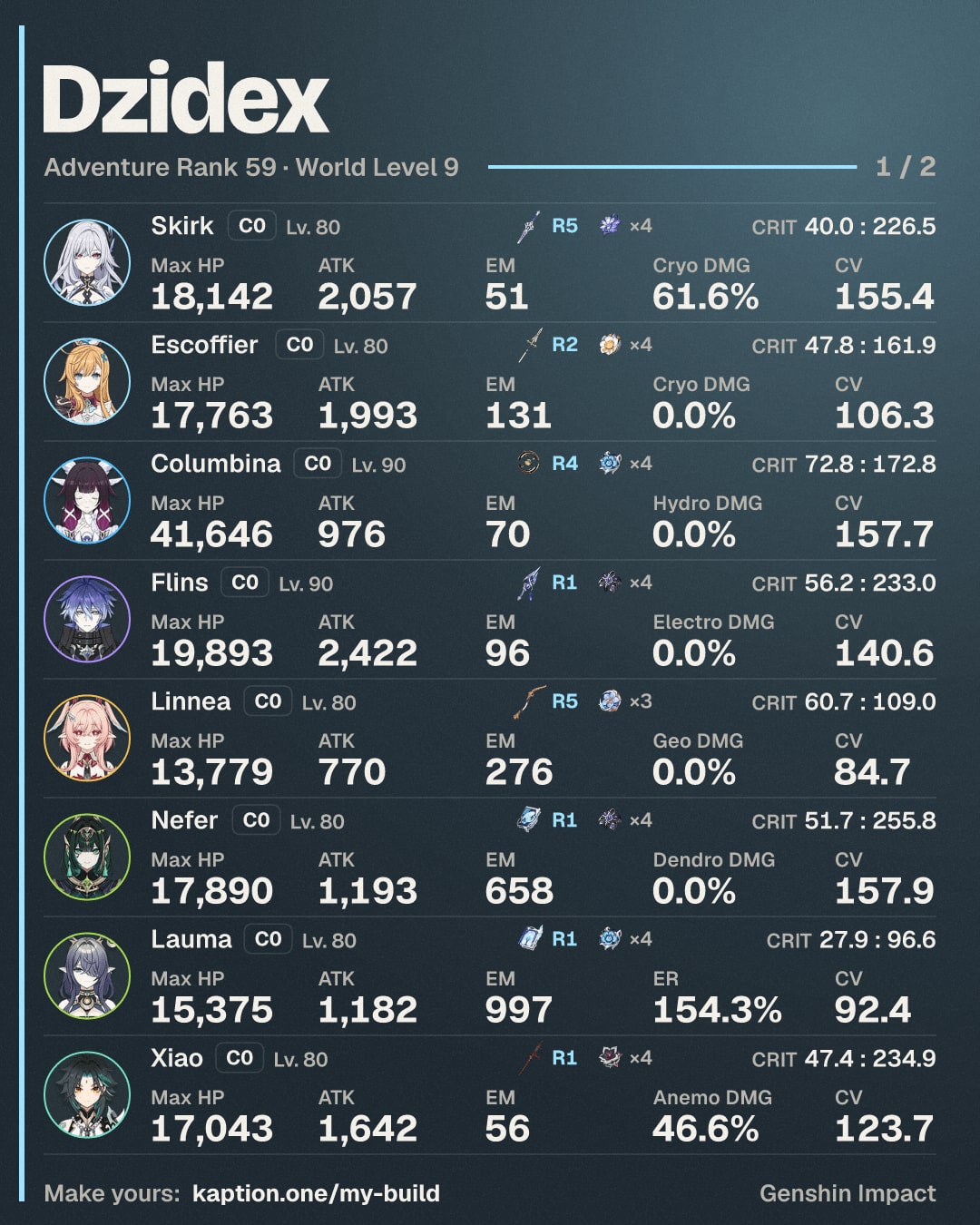
Build card, Poster layout (kaption.one/my-build)
Download: Build card, Poster layout (kaption.one/my-build) -
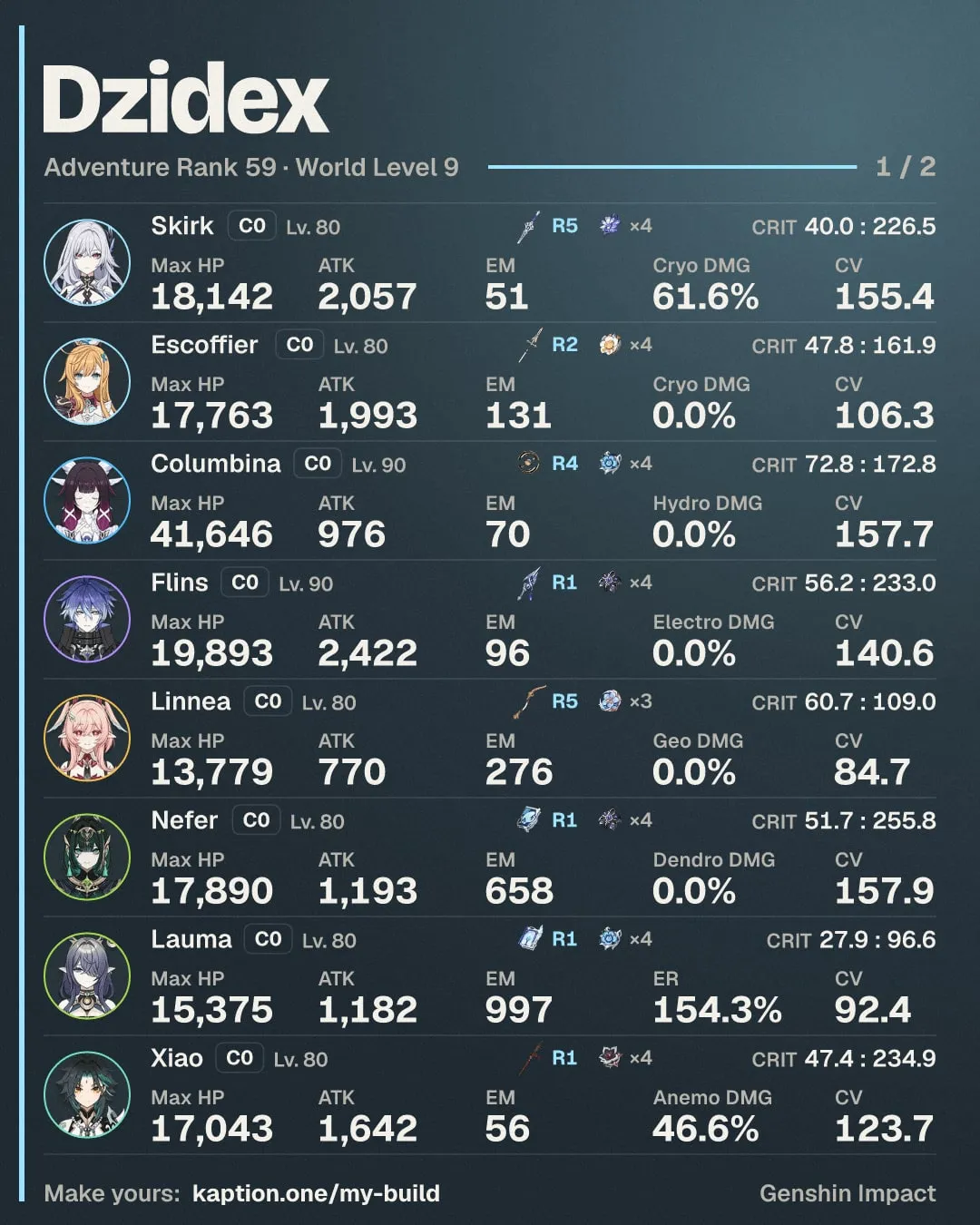
Account card: eight characters a page
Download: Account card: eight characters a page


Media kit
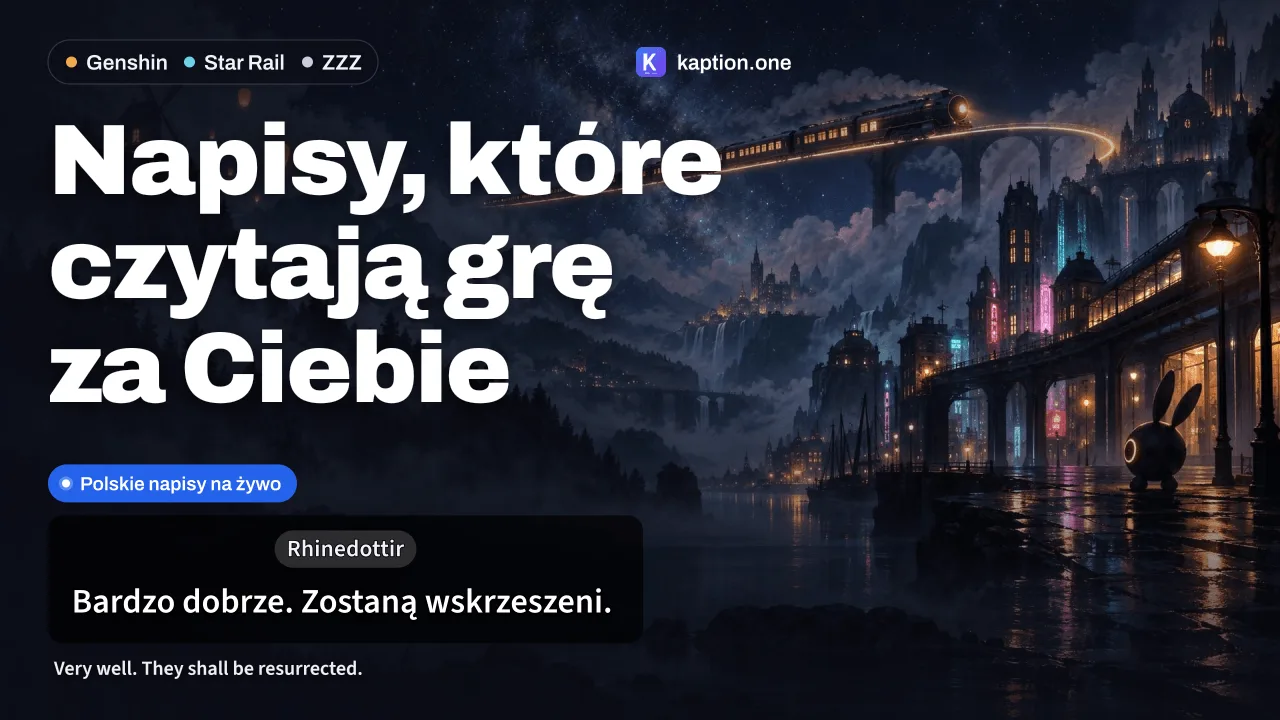
Images for videos and posts in three formats, each with the Kaption overlay and a real line from the game. The kit also has editable SVG templates, clean backgrounds, the logo and a short guide.
Use them in videos and posts about Kaption.
Keep the logo as it is and credit the game you record.
What is in the kit
-
1-ready-to-post/Four files that work anywhere: a thumbnail, a post, Ctrl+Q over the game, a build card. -
2-images/Every image in three formats, one set per game and one for all three. -
3-app/Screenshots of Kaption 2.5: Home, Subtitle style, Characters, setup and the Ctrl+Q window. -
4-quick-translate/Ctrl+Q over the game's own screens: skills and constellations in Polish. -
5-build-cards/Sample cards from the maker: poster, account, classic. -
6-advanced/Overlays, SVG templates, clean backgrounds, logo, fonts and the editing guide. -
7-video/Links to the demo, creators' footage with the subtitles and the card maker. -
8-on-the-site/Redeem codes, the guess games and community translations: page screenshots and short blurbs with links for your video.
-
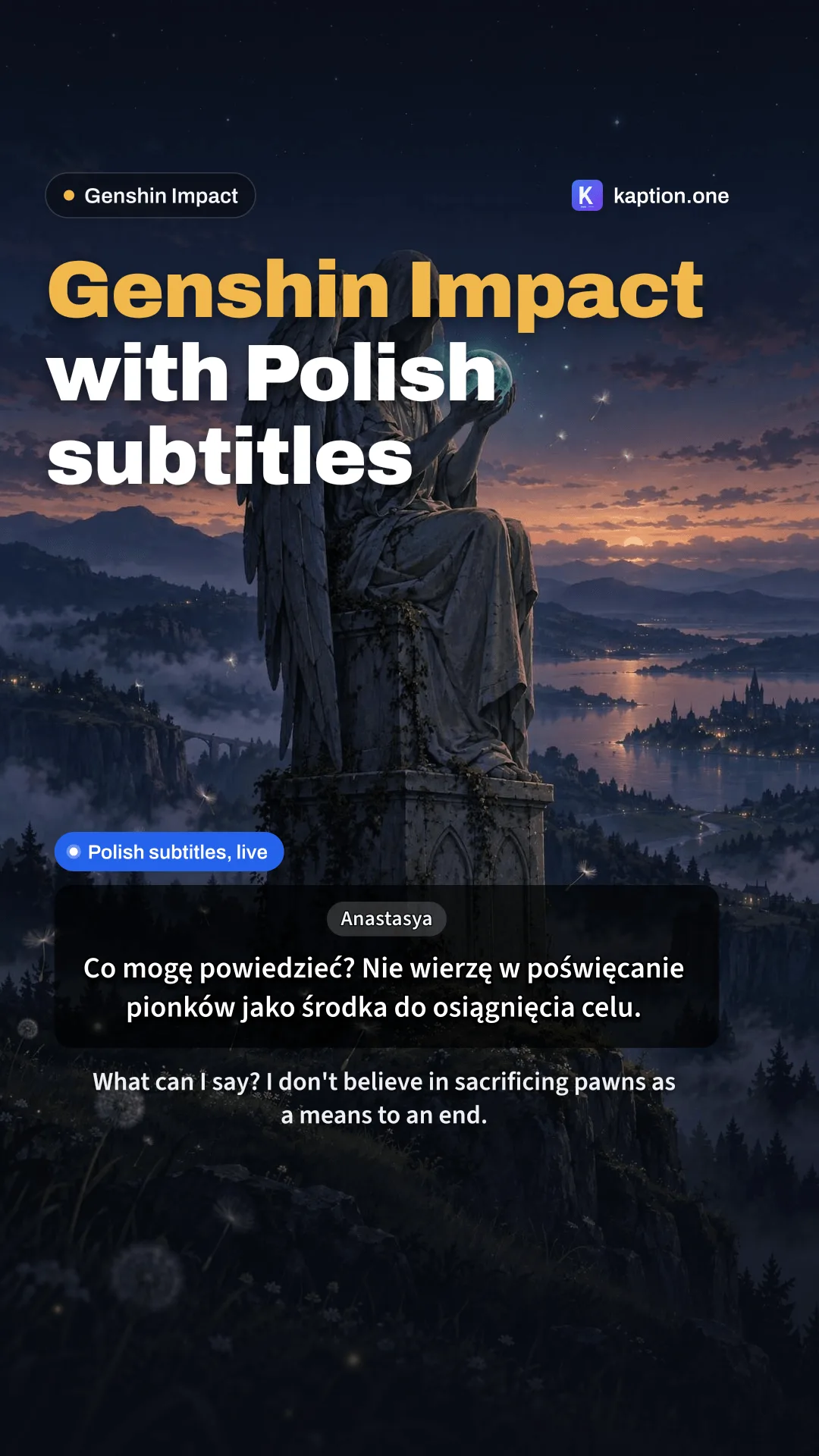
9:16 · TikTok, Shorts, Reels
-
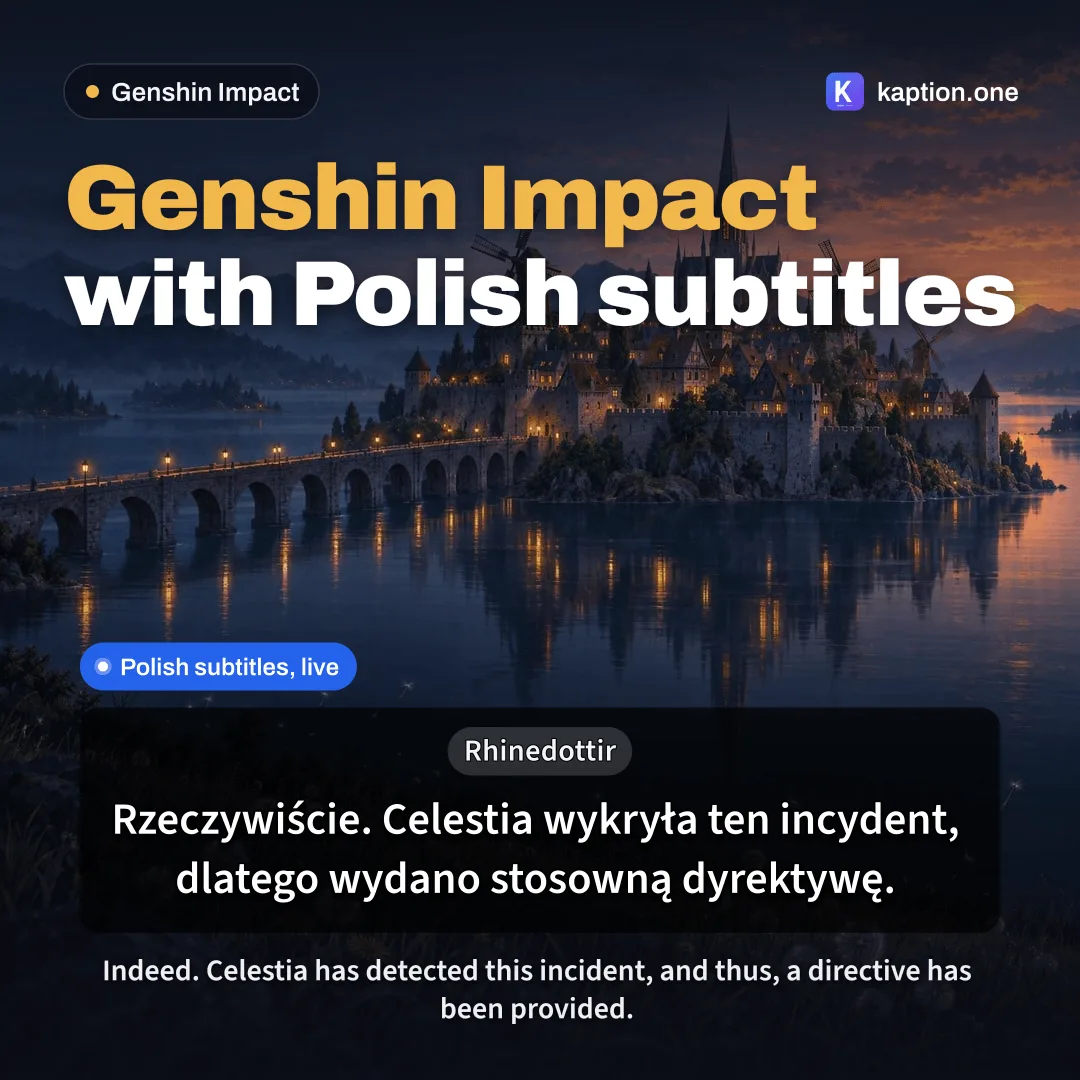
1:1 · Post
-
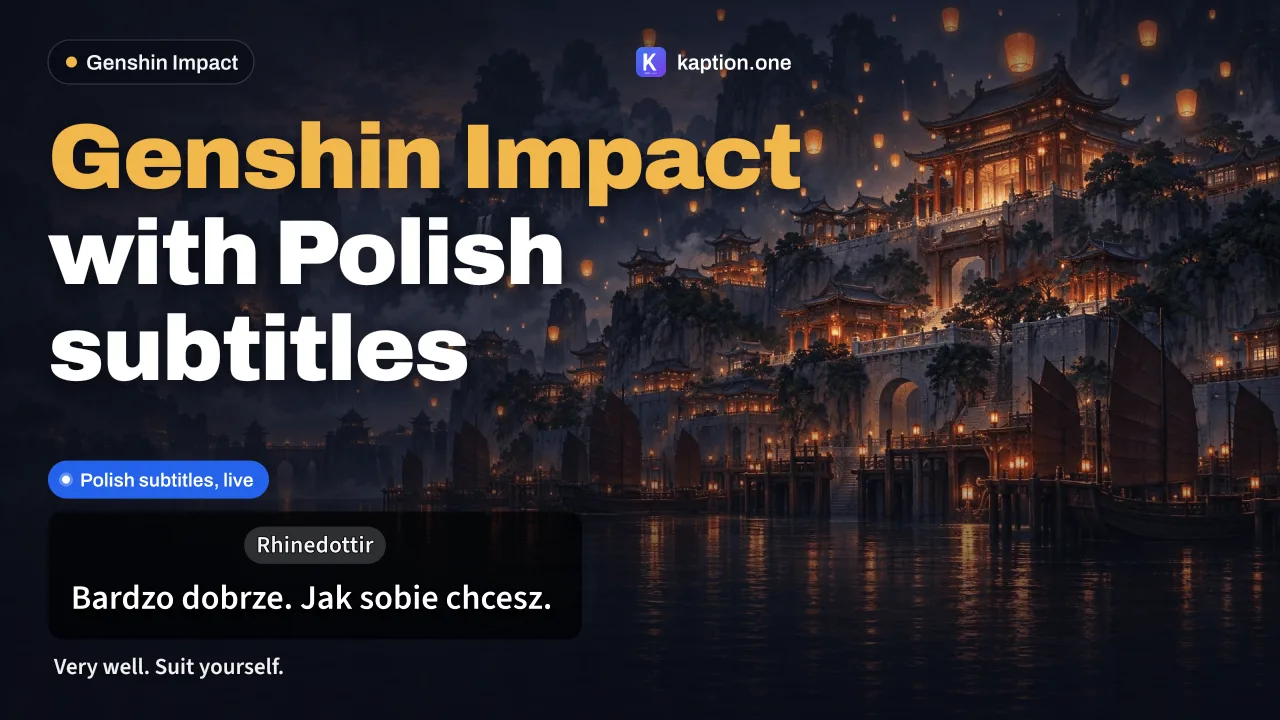
16:9 · YouTube thumbnail · 3 headlines
-
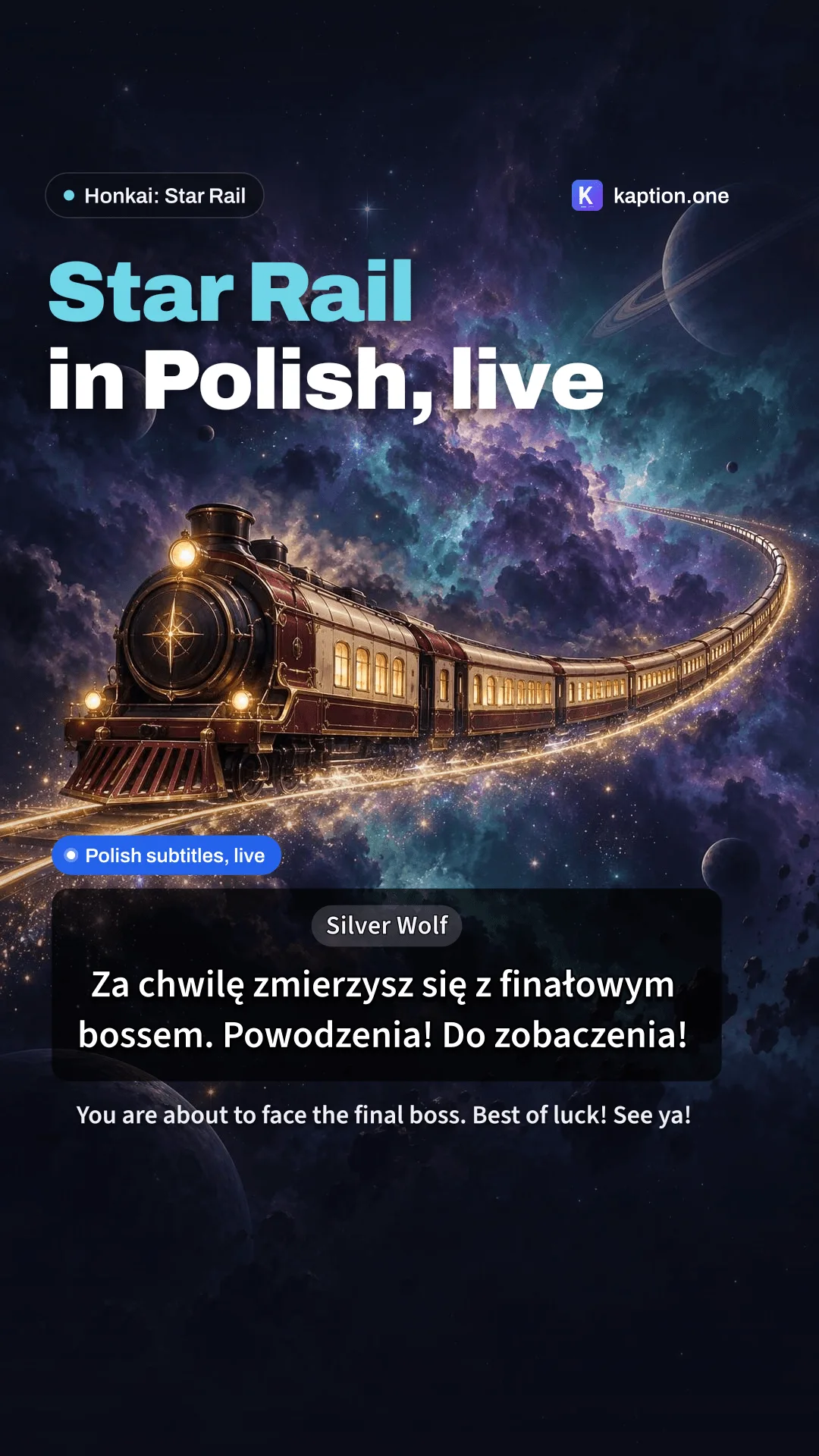
9:16 · TikTok, Shorts, Reels
-
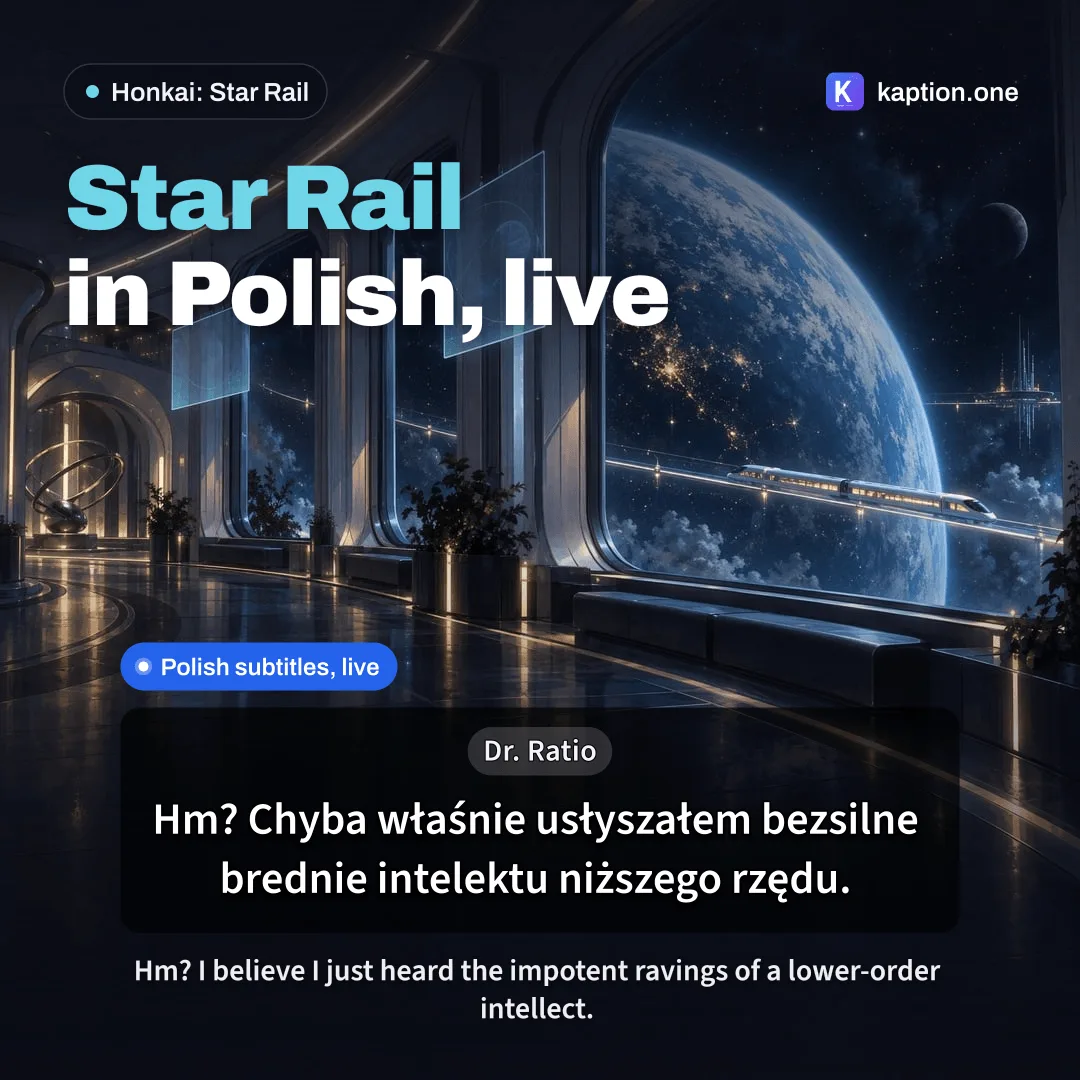
1:1 · Post
-
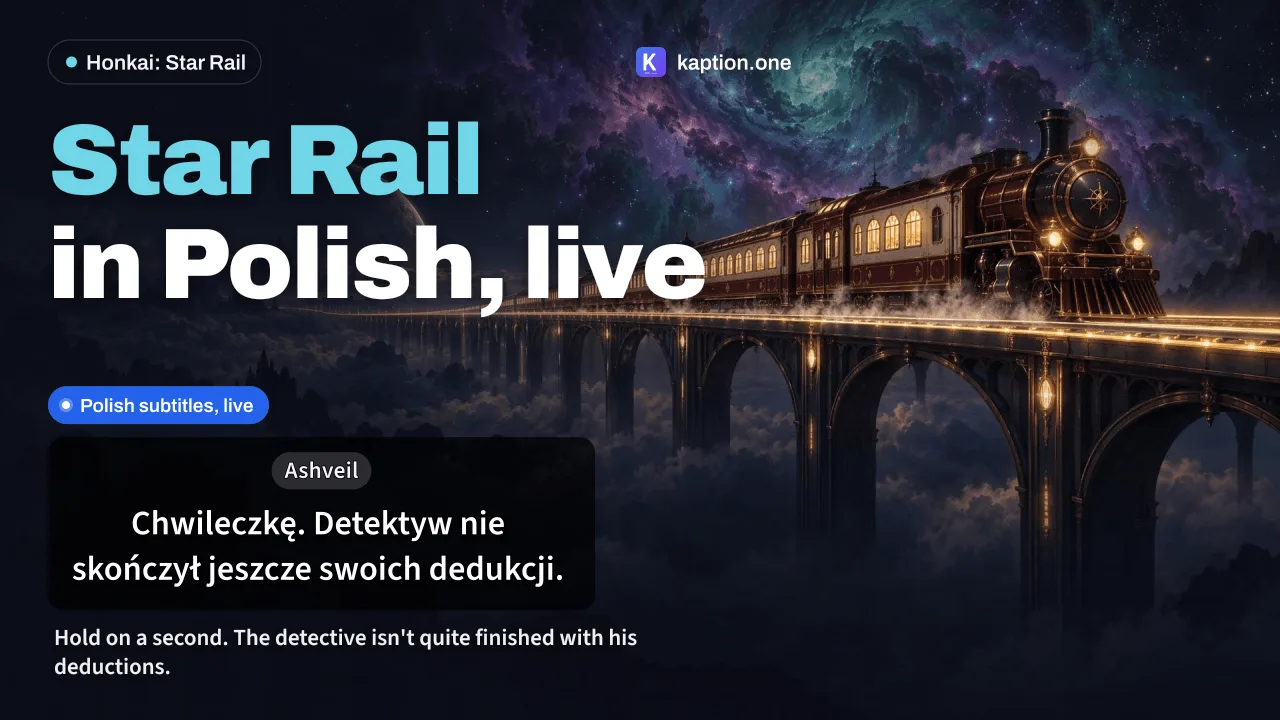
16:9 · YouTube thumbnail · 3 headlines
-
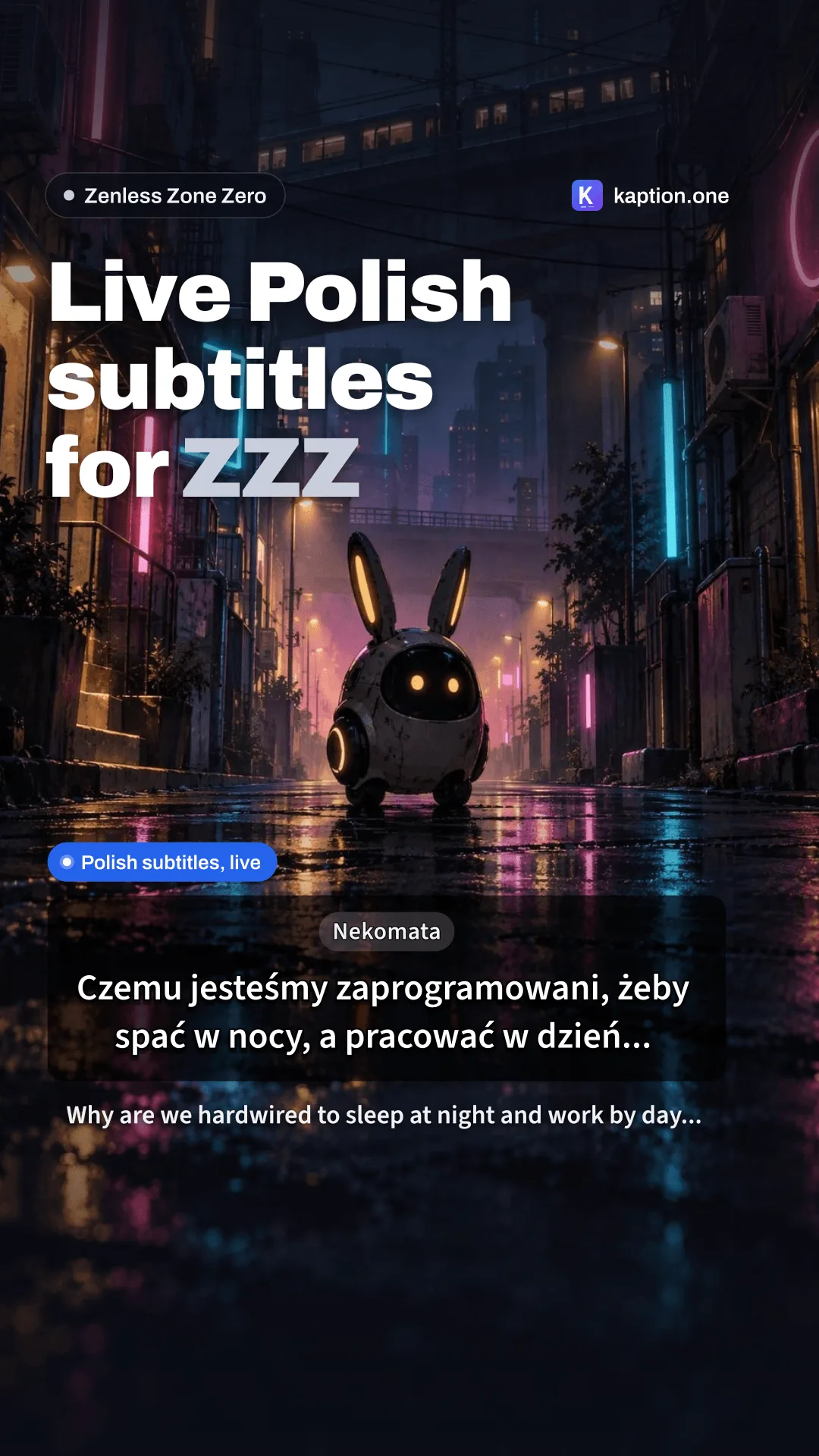
9:16 · TikTok, Shorts, Reels
-
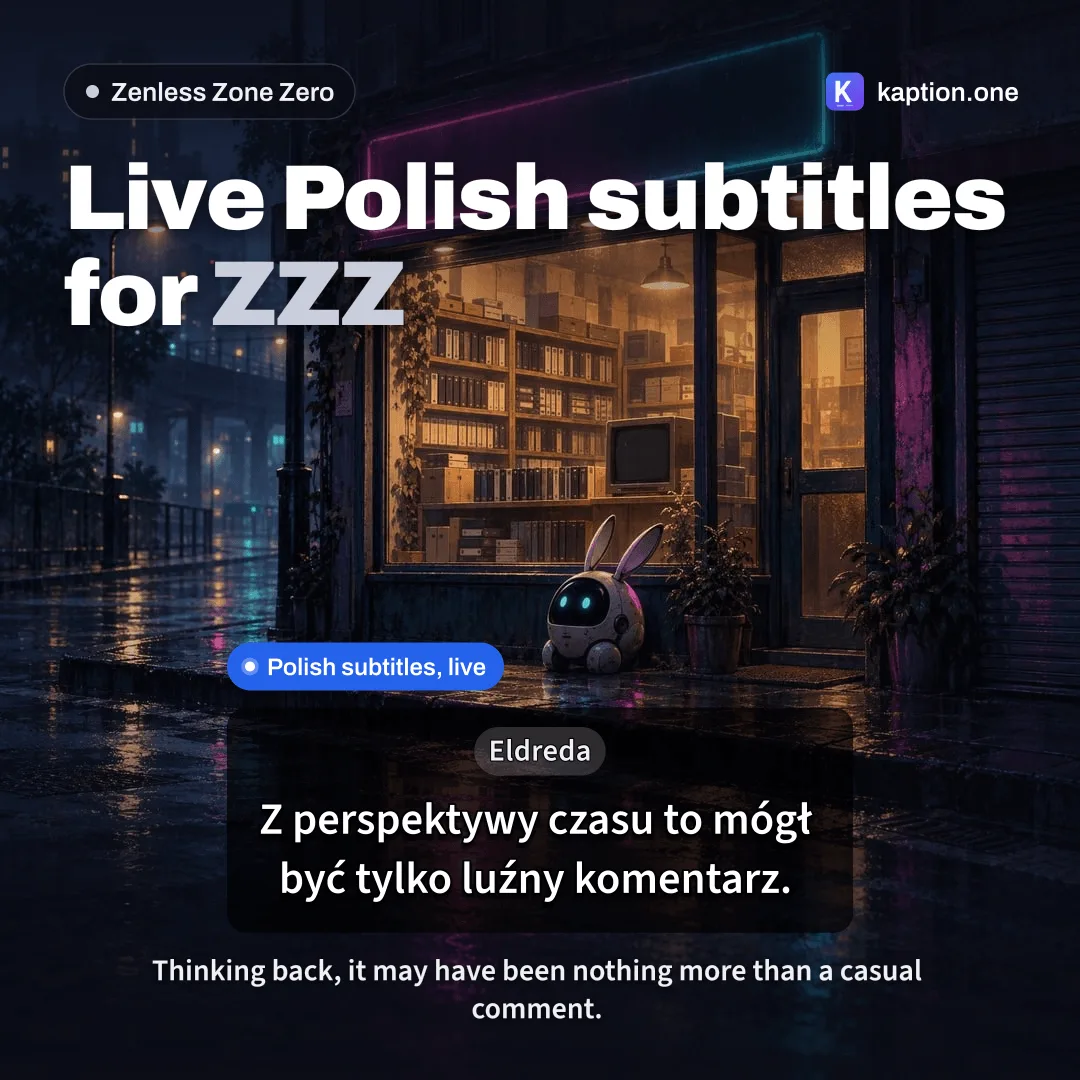
1:1 · Post
-
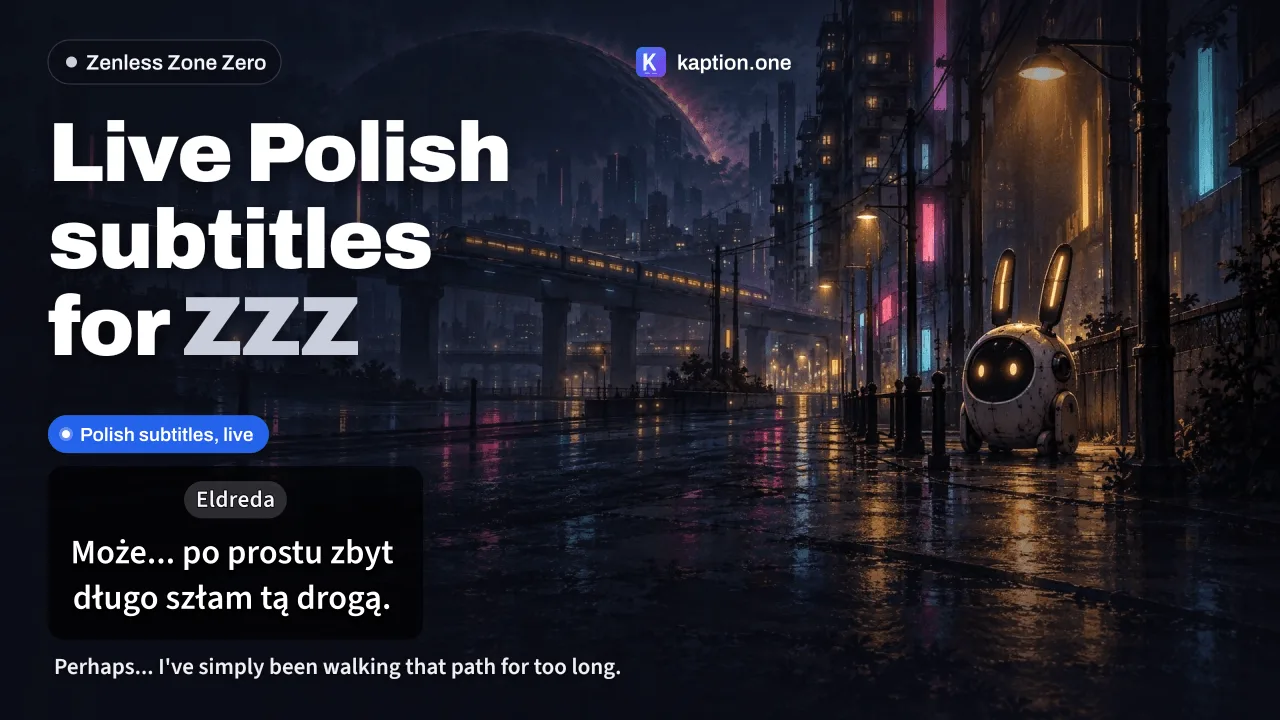
16:9 · YouTube thumbnail · 3 headlines
-
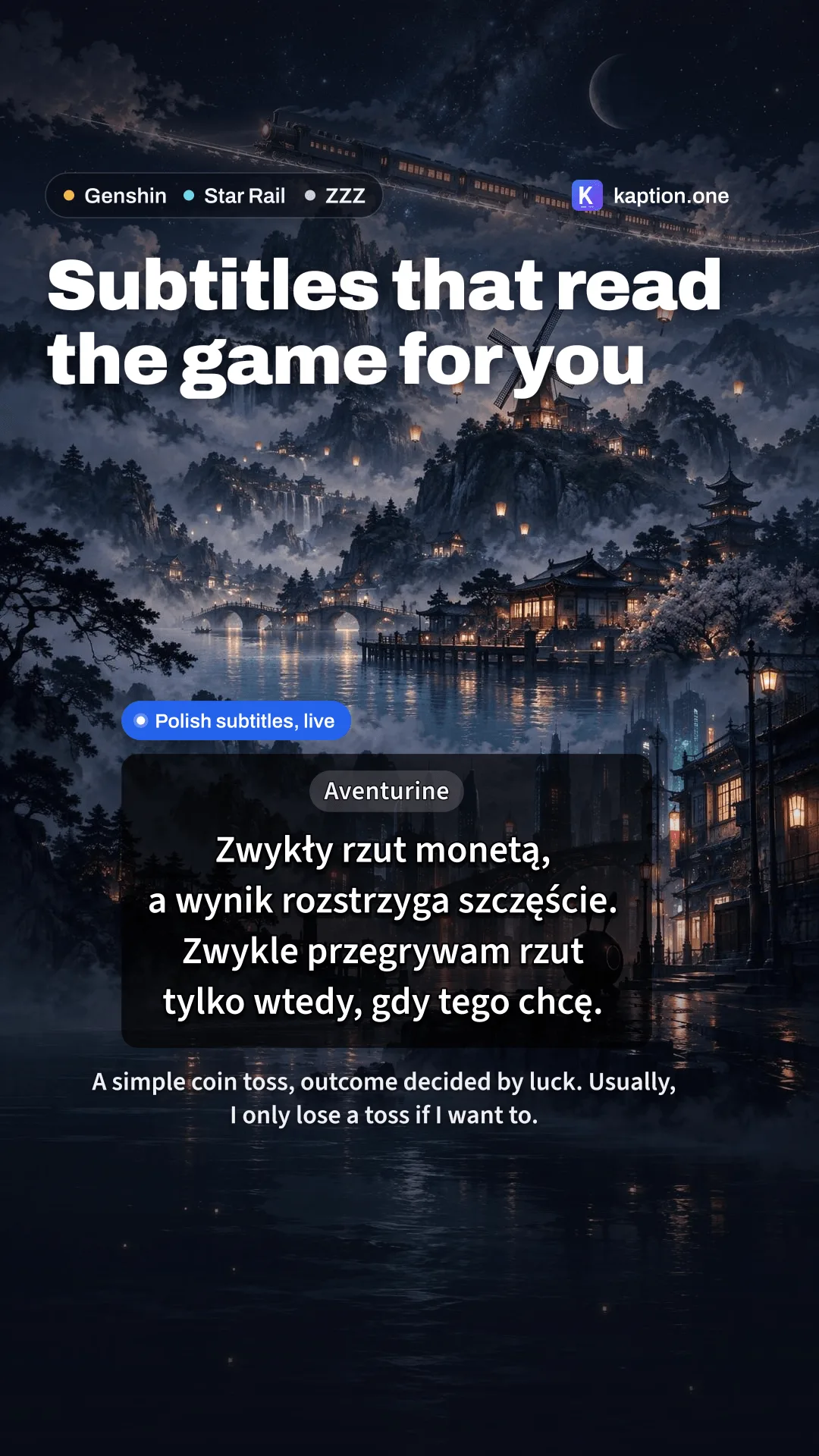
9:16 · TikTok, Shorts, Reels
-
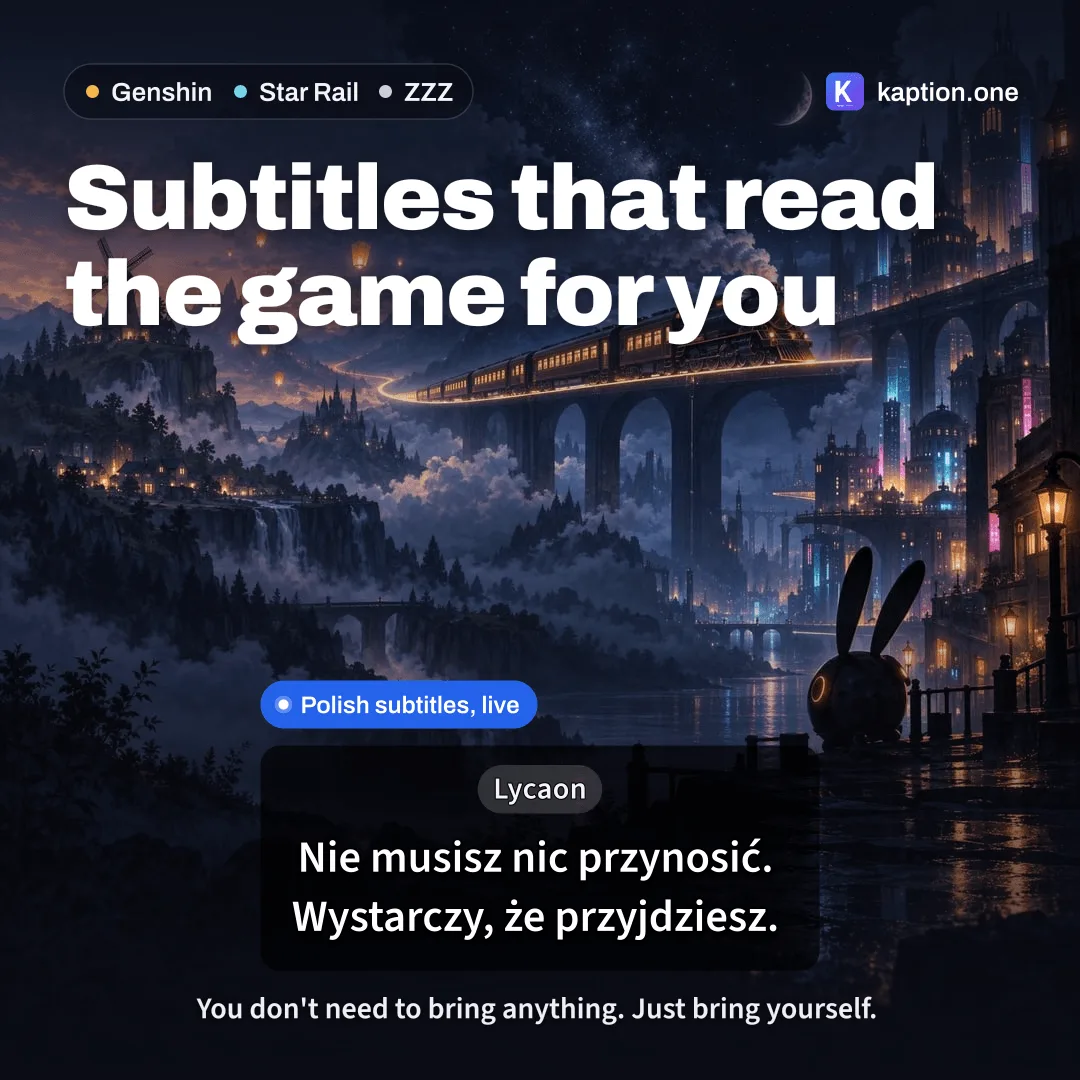
1:1 · Post
-
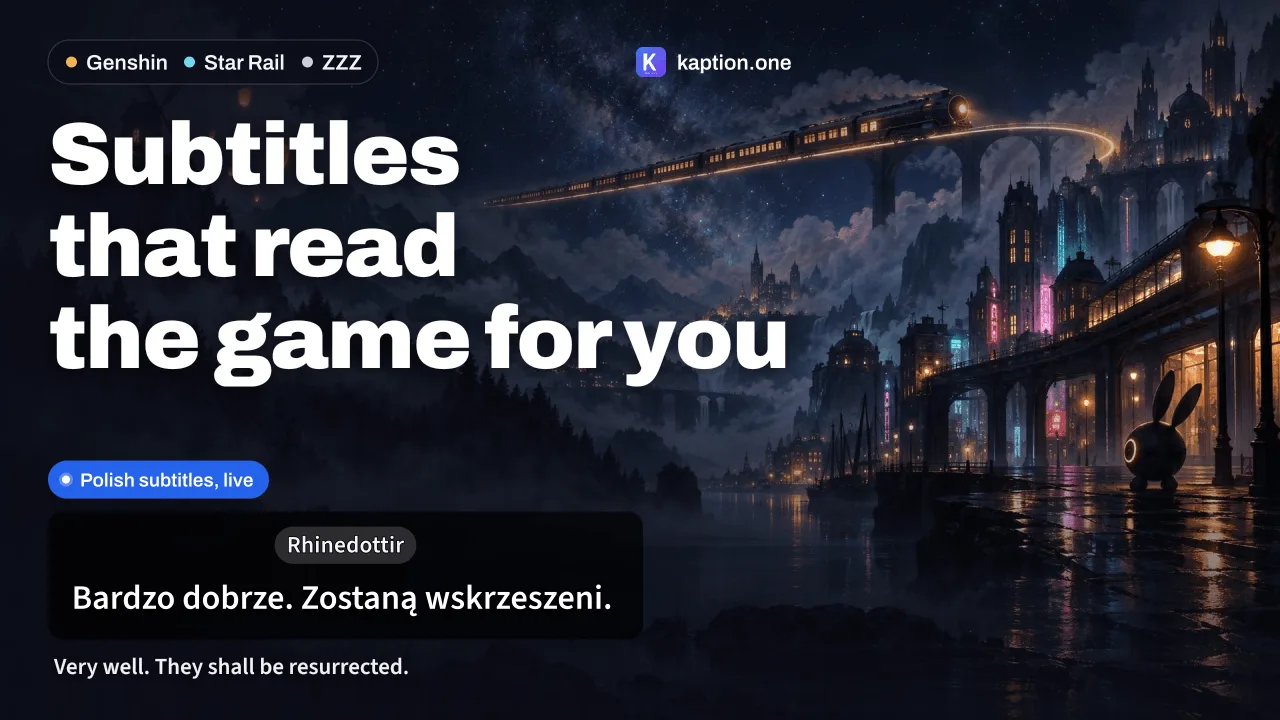
16:9 · YouTube thumbnail · 3 headlines
-
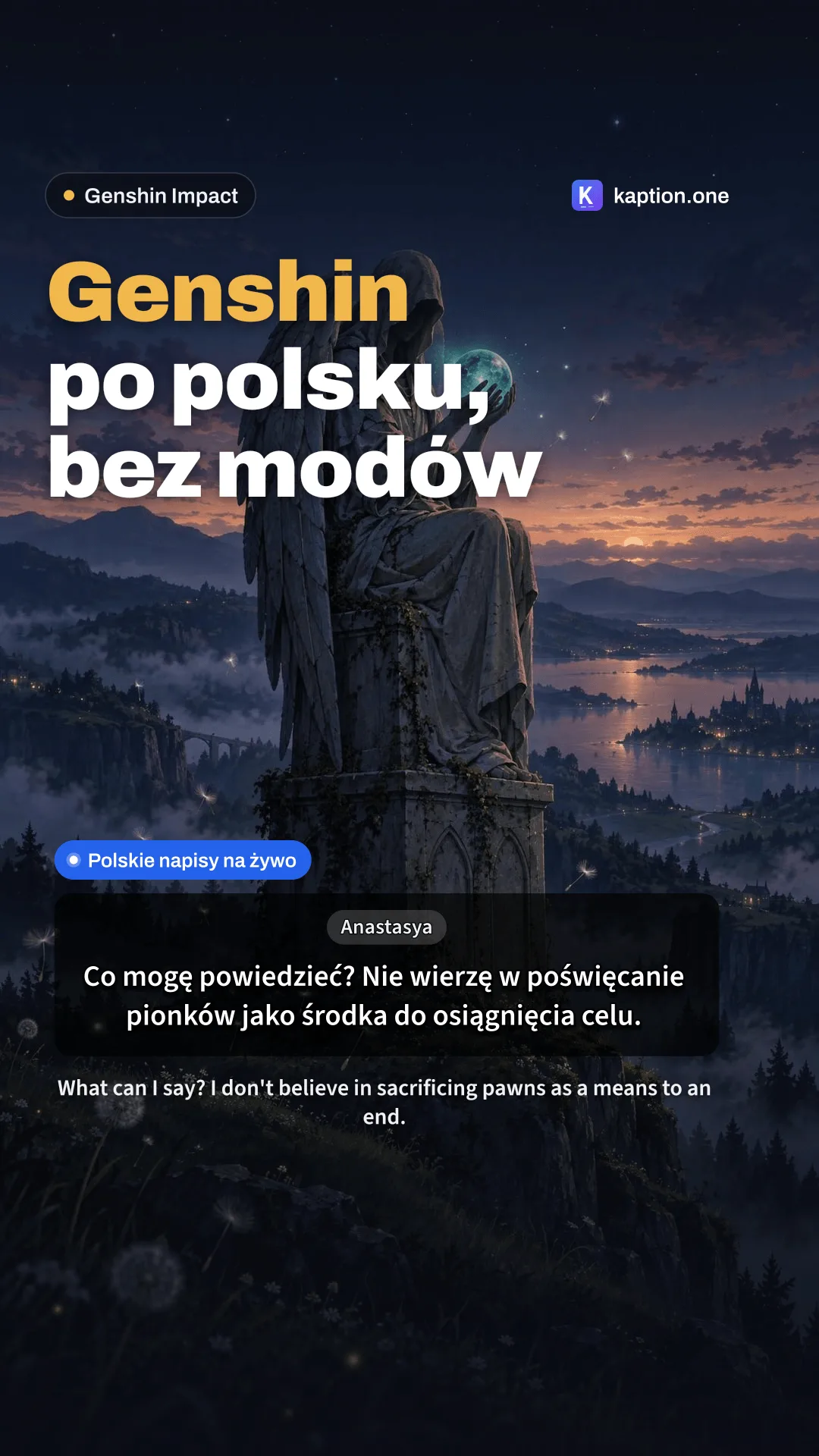
9:16 · TikTok, Shorts, Reels
-
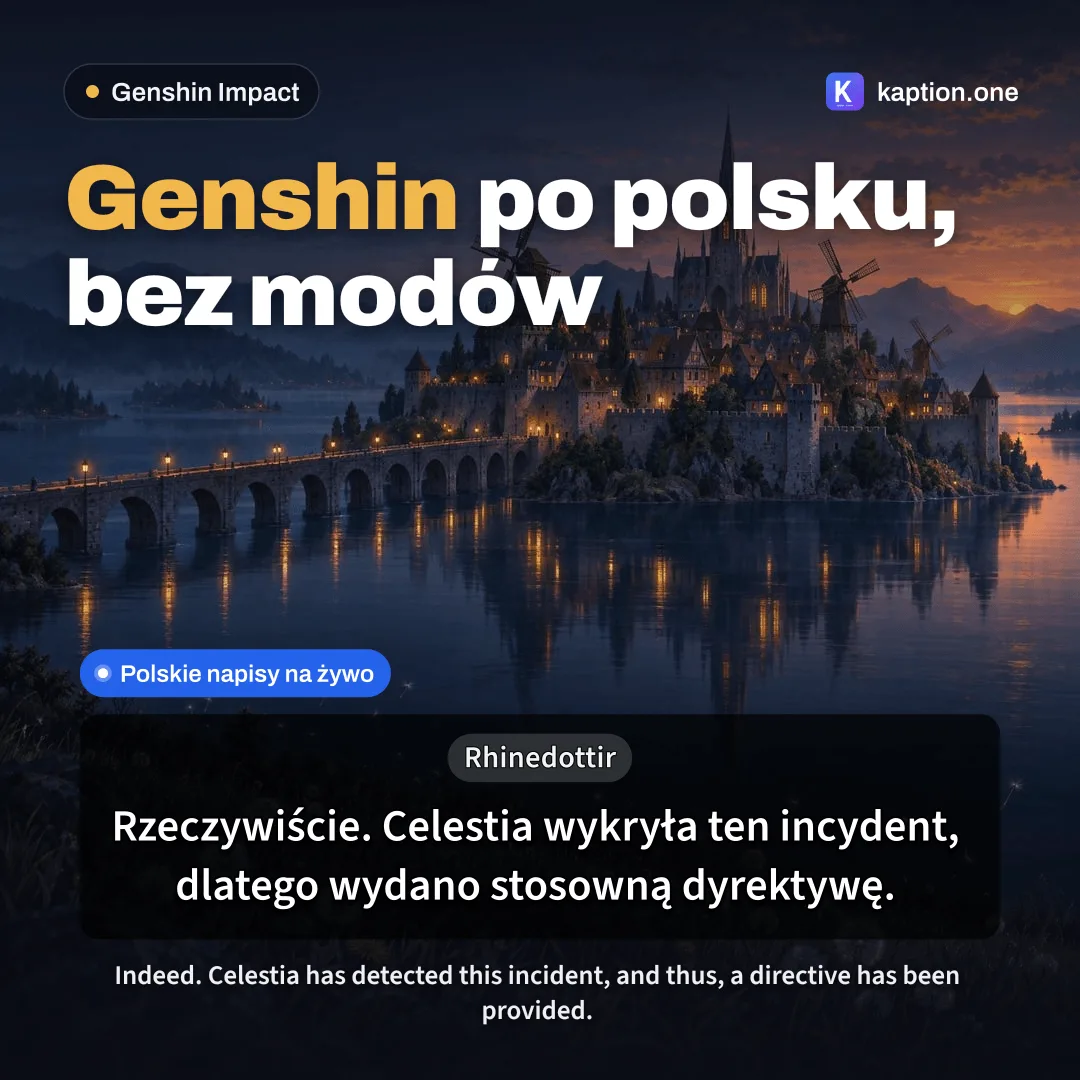
1:1 · Post
-
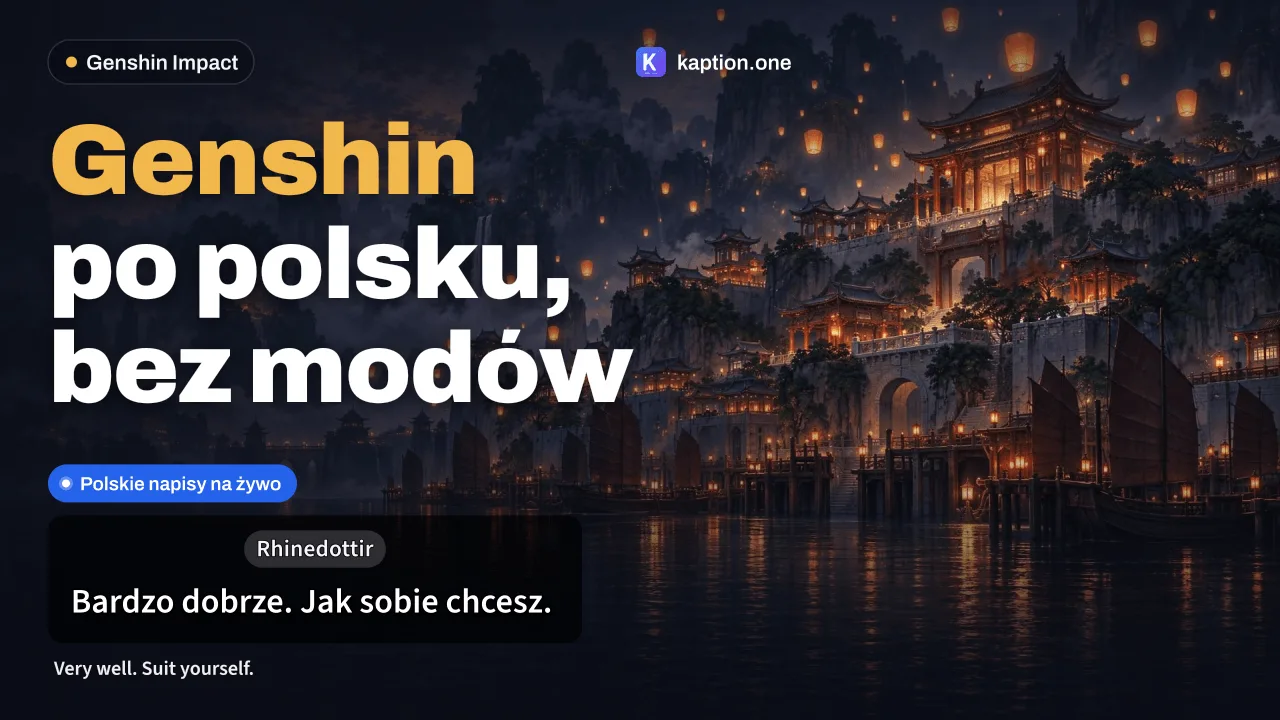
16:9 · YouTube thumbnail · 3 headlines
-
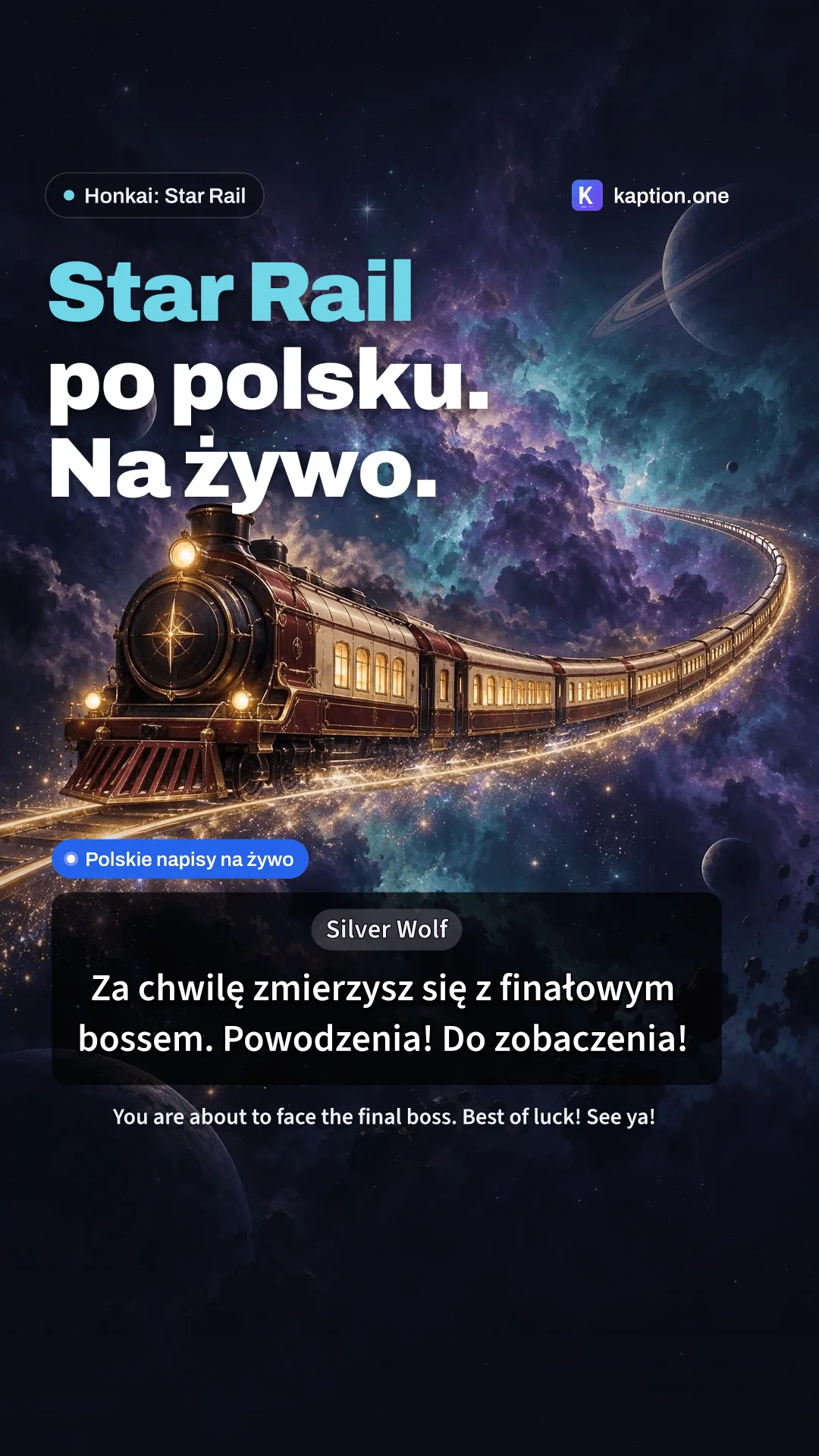
9:16 · TikTok, Shorts, Reels
-
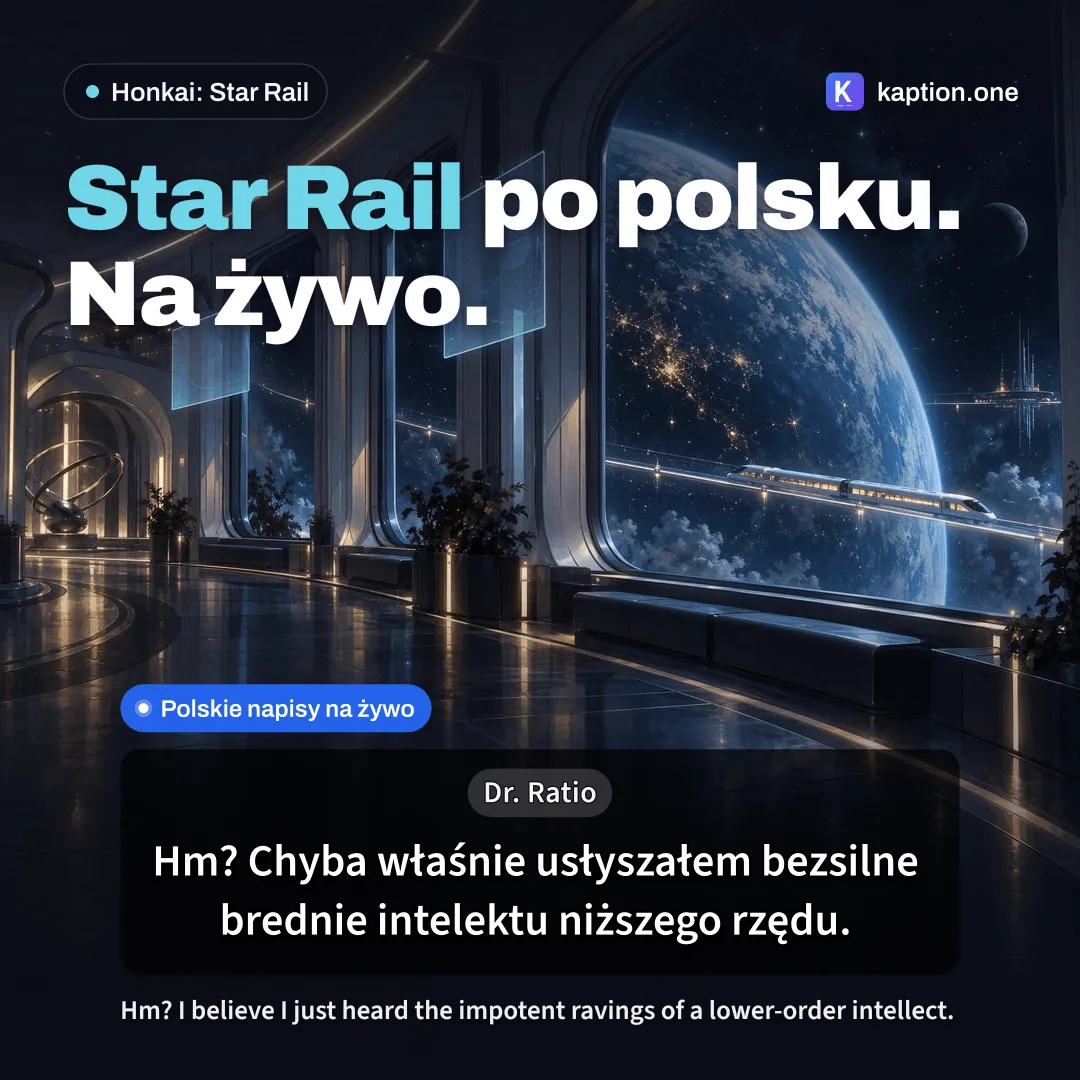
1:1 · Post
-
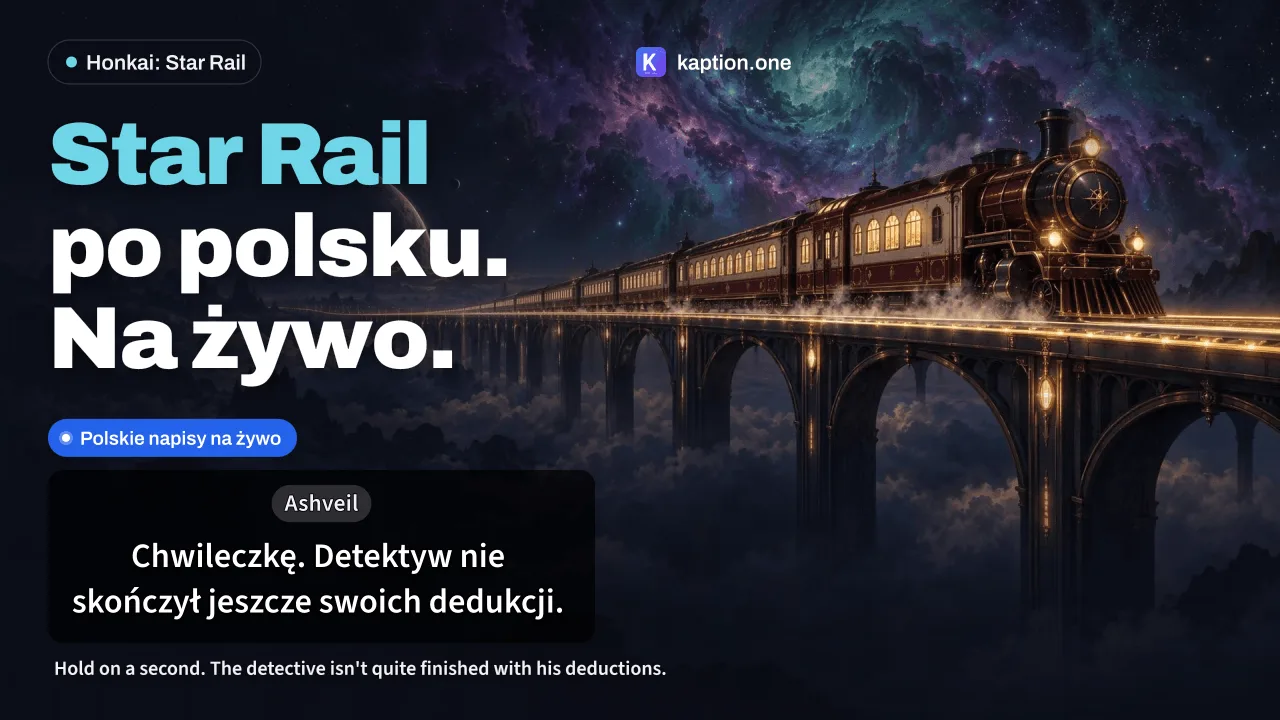
16:9 · YouTube thumbnail · 3 headlines
-
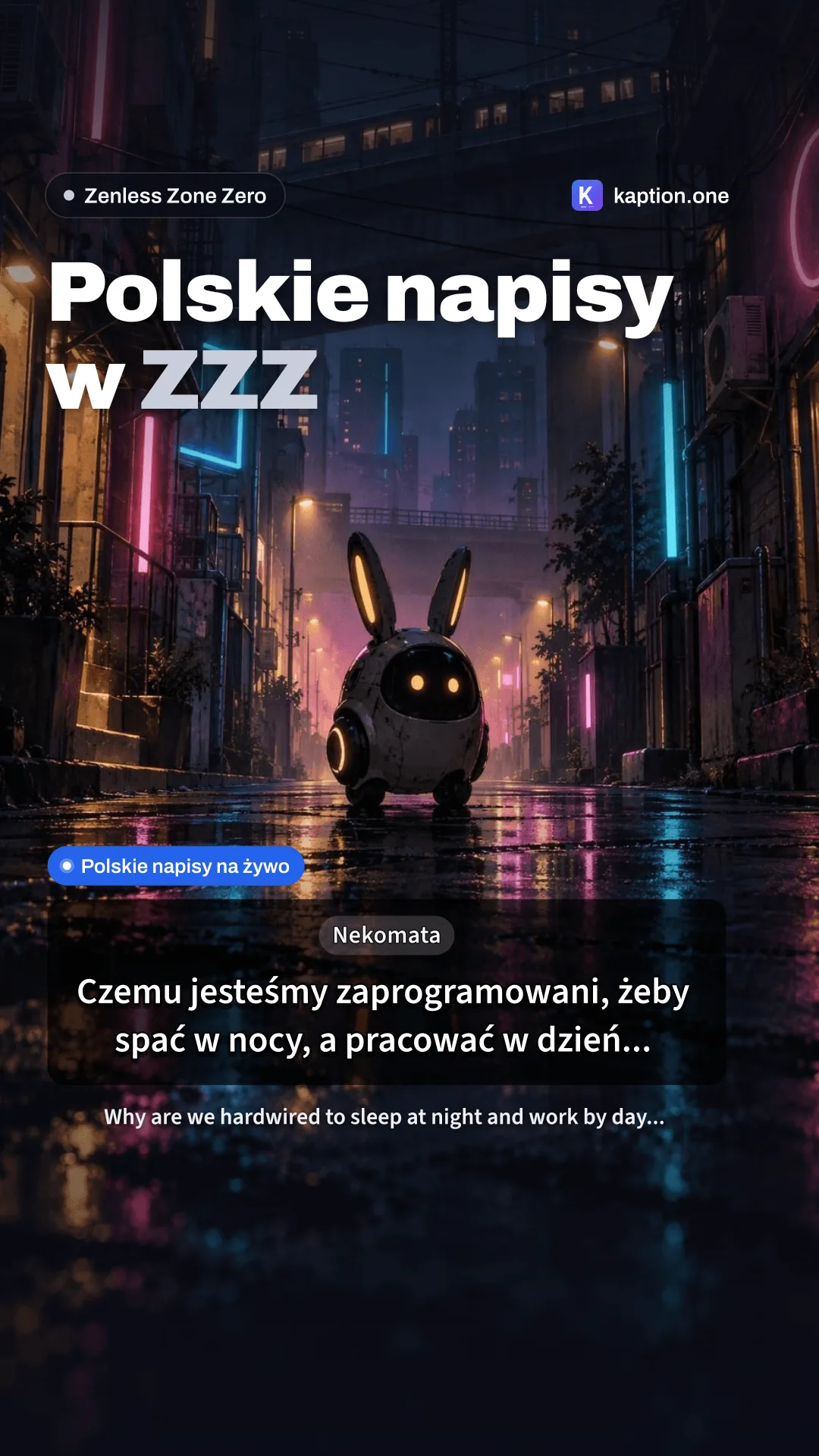
9:16 · TikTok, Shorts, Reels
-
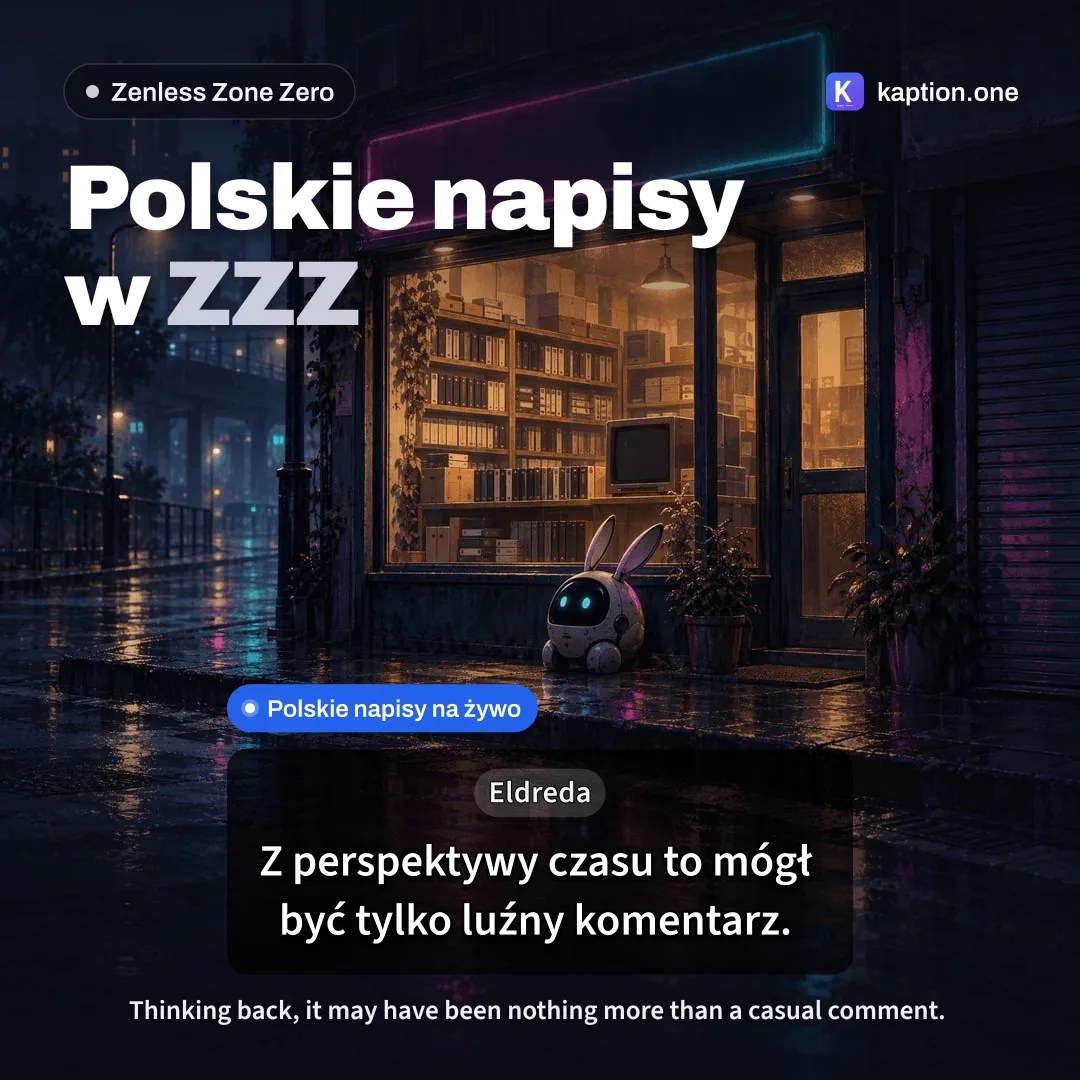
1:1 · Post
-
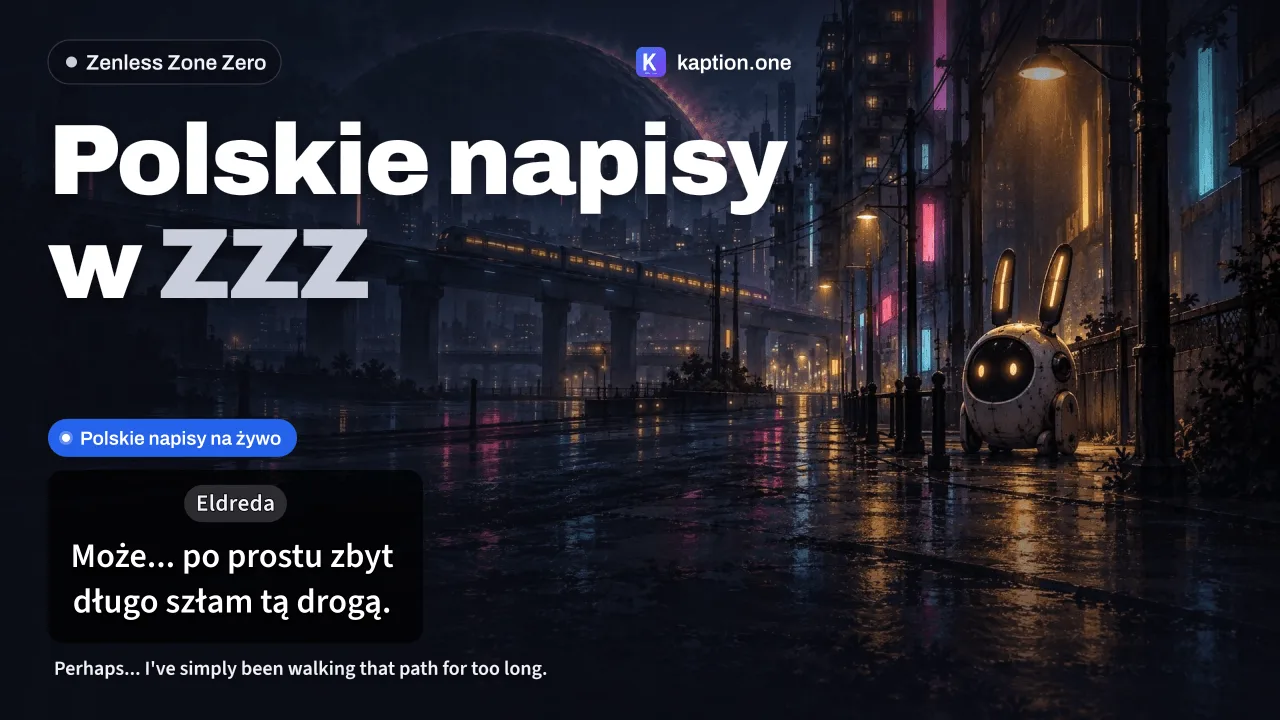
16:9 · YouTube thumbnail · 3 headlines
-
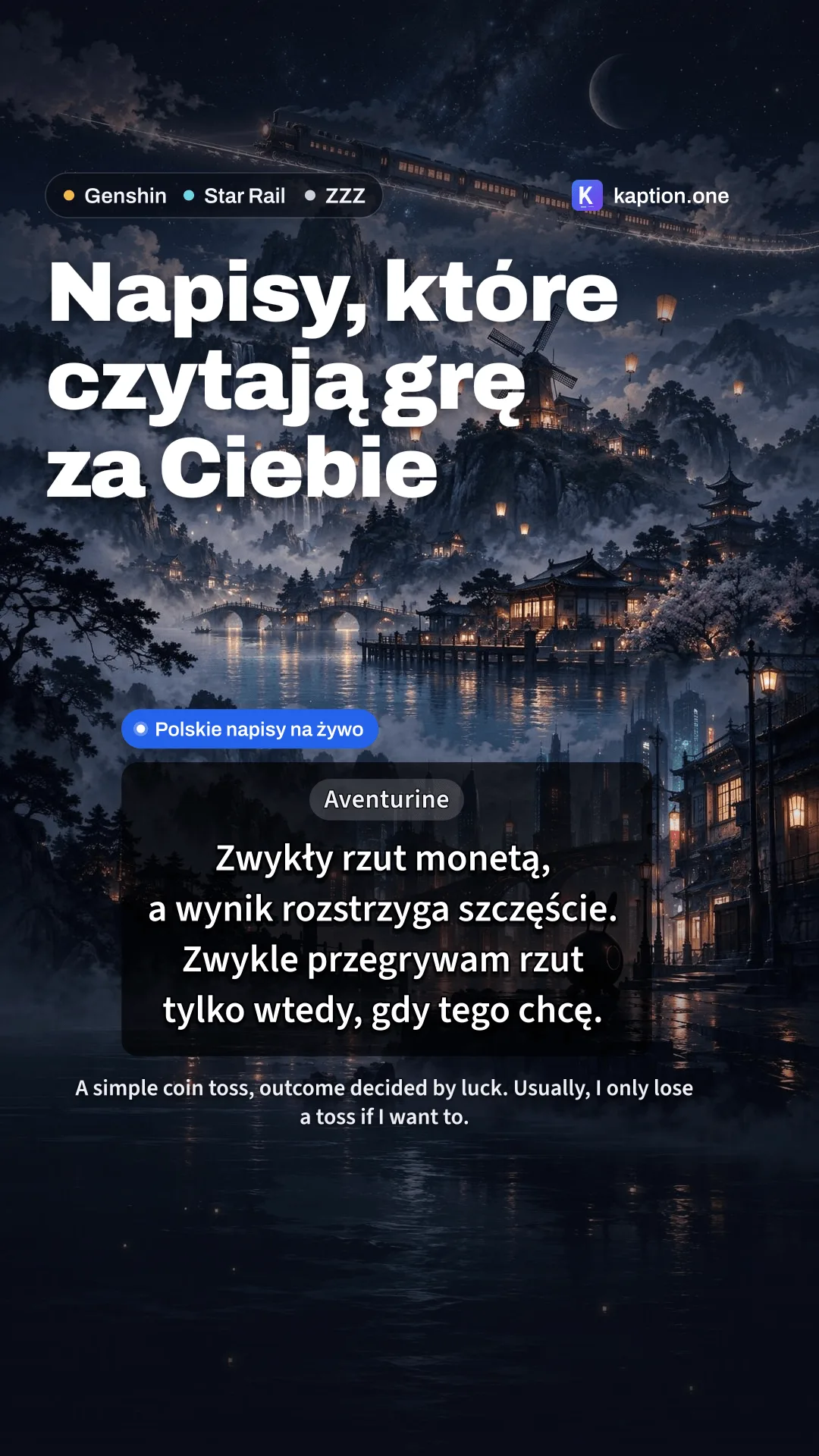
9:16 · TikTok, Shorts, Reels
-
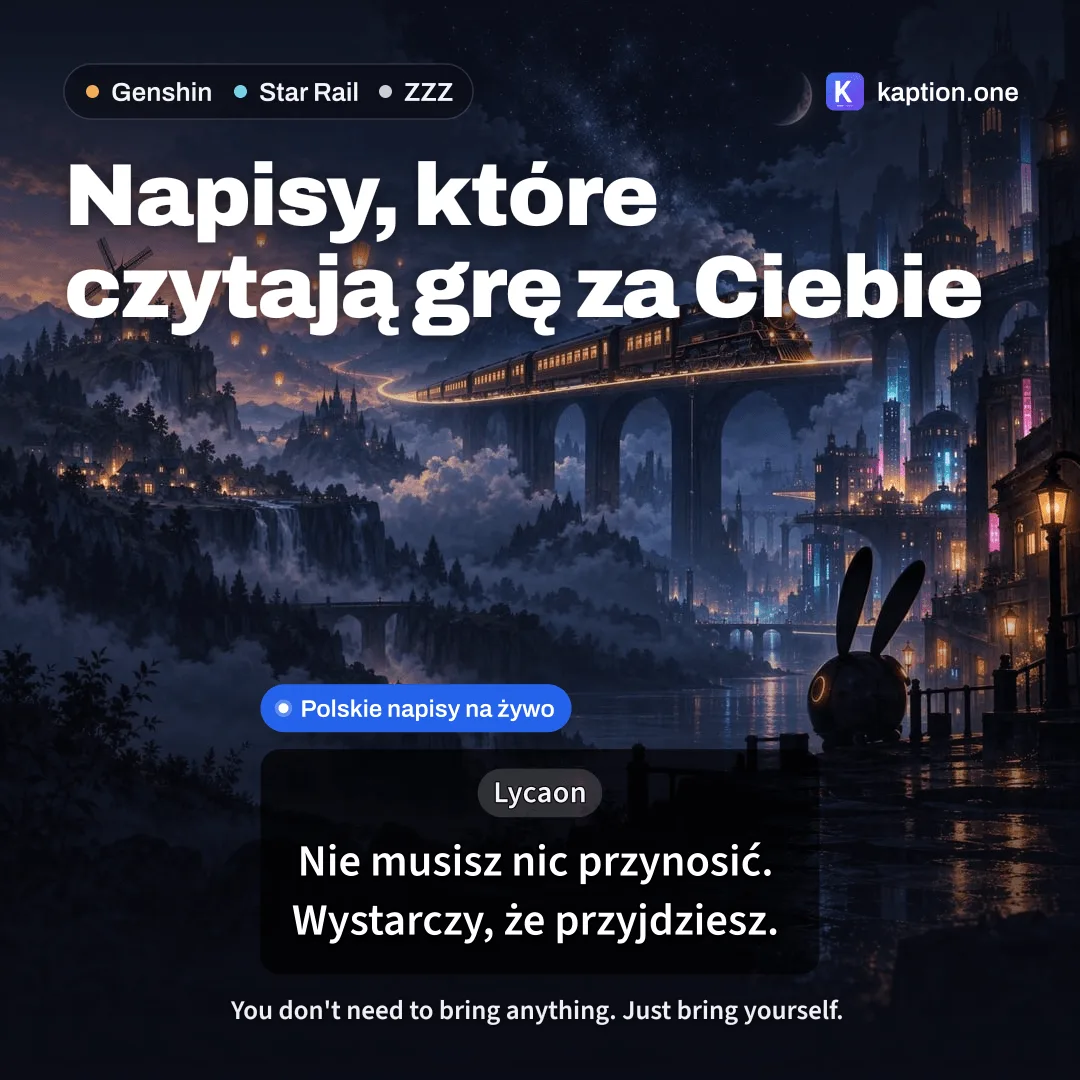
1:1 · Post
-
16:9 · YouTube thumbnail · 3 headlines
The rules, in plain words
The main rules, in short. The full ones are in our Terms, section "Creator program".
-
Your video stays yours
The footage and the channel belong to you. We take no rights to it.
-
We credit you
If we show your clip on kaption.one, we sign it with your channel name and a link.
-
Keep it honest
Show how Kaption really works. Do not promise it protects you from bans, and do not call it an official HoYoverse app.
-
Kaption is free
Say so plainly. Do not make up discount codes or a paid version.
-
Label it as an ad
Mark the video as an ad or paid partnership, as the law and the platform require.
How to submit
You submit a video that is already published. We set the rate once the reach is visible.
-
Publish it
Post it publicly on TikTok, YouTube or Instagram.
-
Send us the link
On Discord or to contact@kaption.one. Add the channel name we should credit and how to reach you.
-
Wait for our reply
We usually reply within a few days. Once the reach is visible, we set a rate of $10 to $100 and sort out the payout details with you.
Add your referral link to the description. Anyone who signs up through it and plays with Kaption also counts toward your referral milestones. Get your referral link
or write to contact@kaption.one
Creator questions
Missing something? Ask on Discord.
How much do you pay per video?
$10 to $100 per piece. We set the rate after you publish, based on reach: views and reactions.
Do I need a big channel?
No. The rate grows with reach, but anyone can submit a video, small channels included.
Where should I post it?
On TikTok, YouTube (Shorts or a full video) or Instagram. It has to be public so we can see the reach.
Can I criticize Kaption?
Yes. An honest review is fine, criticism too, as long as it is specific.
Can I use your screenshots?
Yes. The screenshots and the icon from the Ready-made assets section can go in your video or thumbnail.
How do I get paid?
Once your video is live, we agree on the rate and the payout details with you on Discord or by email.