01
Where it helps most in Genshin Impact
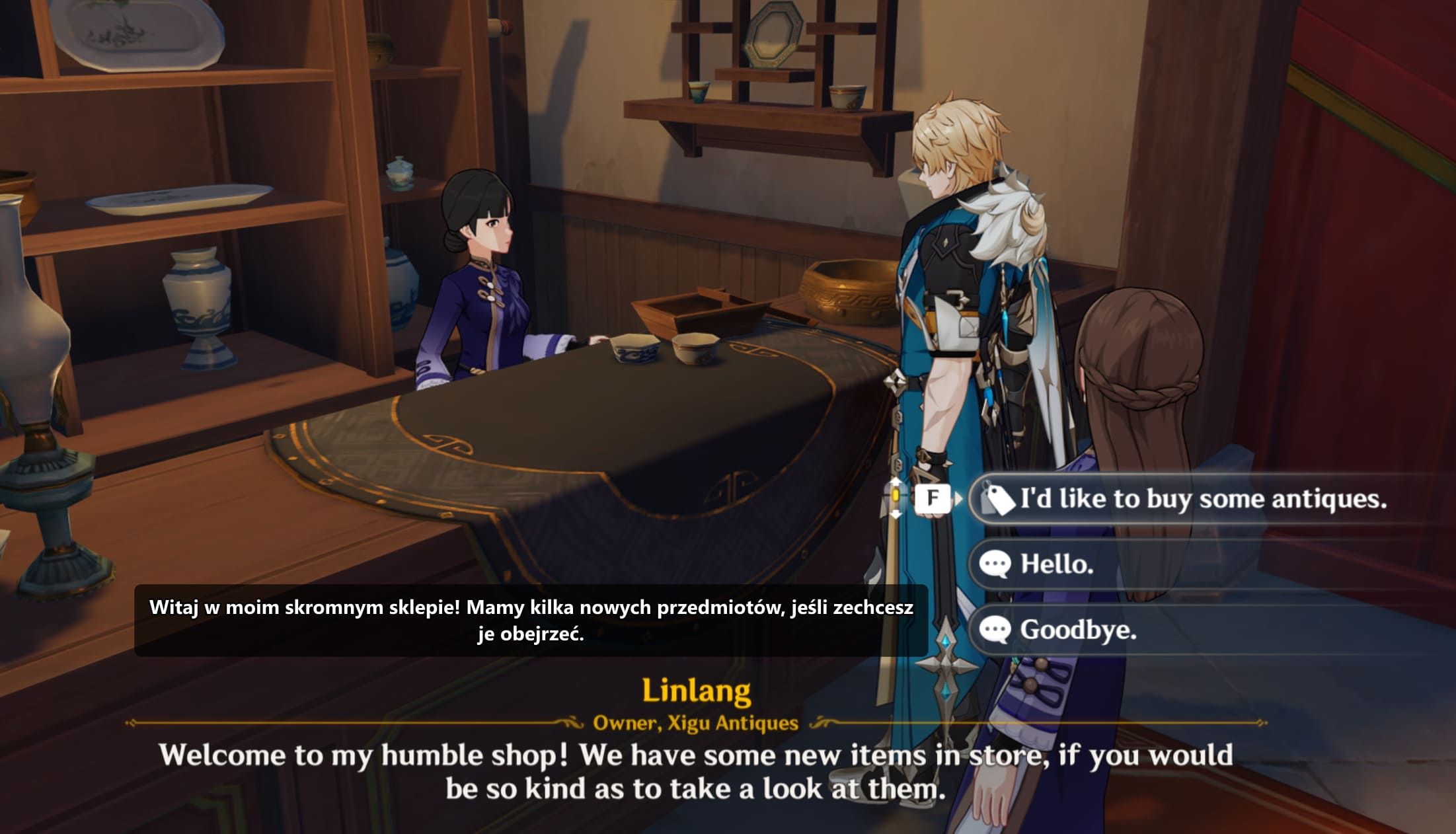
Archon quests, event stories, world quests, and long NPC scenes are the obvious use cases. You can keep the voice language you like and still understand the text on screen.
It also helps with dialogue choices and some UI text, which is useful when the game asks you to pick an answer before you have fully parsed the original line.
- Long quest conversations
- Limited-time events with a lot of text
- Dialogue choices and NPC names
- Returning after a break and catching up on story
02
How to use Kaption during a quest
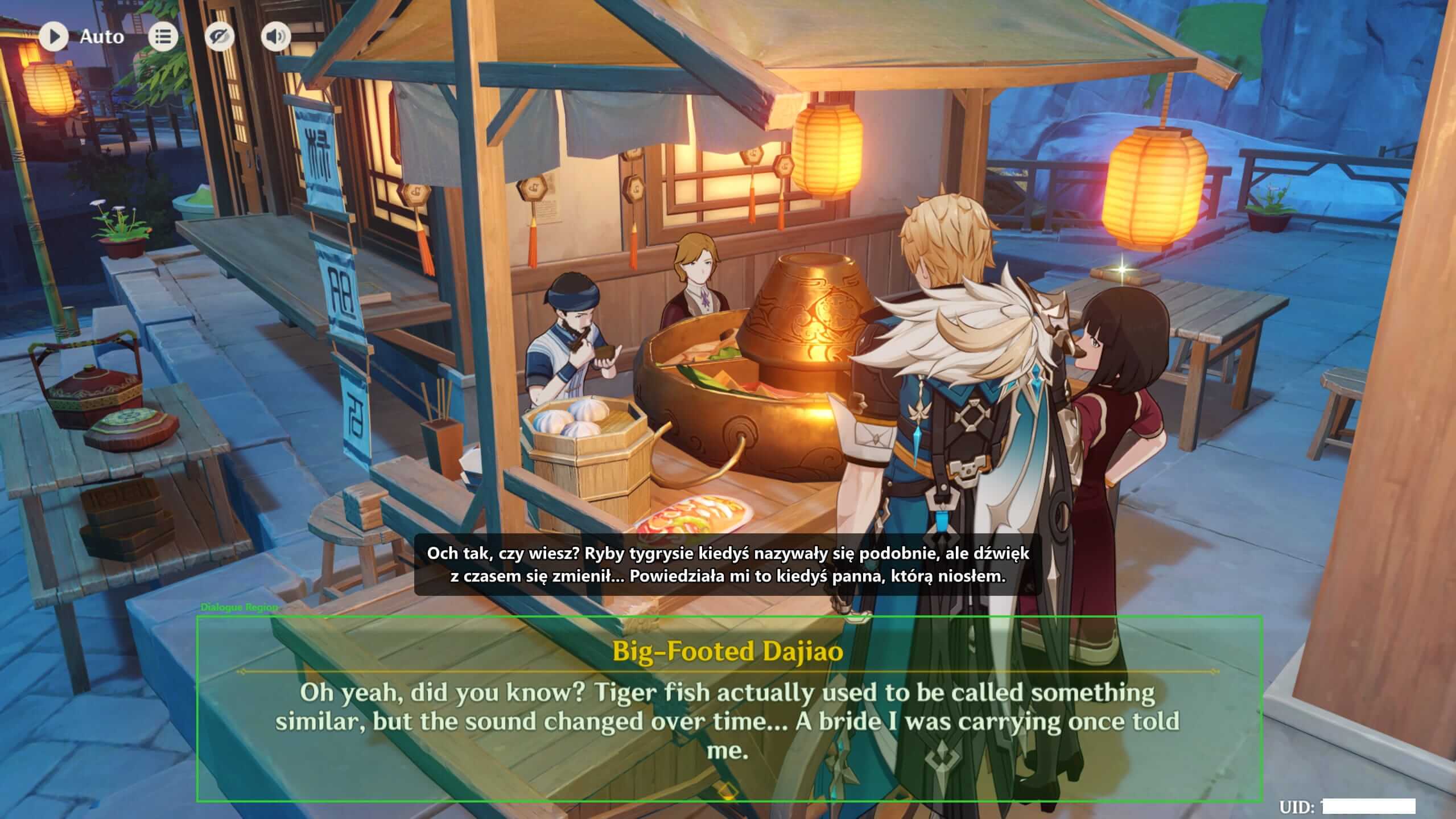
Start Kaption before the conversation, keep the overlay above the original dialogue box, and let the game keep its normal pacing. You do not need to pause after every sentence or alt-tab to a translator.
For long voiced scenes, this works best when you keep the voice-over you like and read the translated subtitle when the original line gets dense. For dialogue choices, wait half a second for the overlay before clicking.
- Overlay above the original game text
- No copy-pasting dialogue into a browser
- Useful for choices before you commit to an answer
- Easy to close when you return to combat or exploration
03
What it is not
Kaption is not a mod, patch, private server, or file replacement. It does not change Genshin Impact. It reads the visible text and shows a translated overlay on your desktop.
That is also why the setup is reversible: close Kaption and the game is exactly as it was before.
Questions
Does Kaption work with Genshin Impact cutscenes?
Yes, as long as the text appears in the selected capture region. Dialogue, choices, and subtitle-like text can be translated.
Is this a Genshin Impact mod?
No. Kaption is a separate Windows overlay. It does not modify Genshin Impact files, inject code, read memory, or automate gameplay.
Is Kaption only for Polish Genshin subtitles?
No. Polish is the first supported target language. Kaption is designed as a multilingual game translation overlay over time.
More guides
 Setup
Setup How to set up Kaption from zero
Install Kaption, open your Hoyoverse game, choose the dialogue region, and check that the subtitle overlay stays out of the OCR area.
 HoYoverse overlay
 HoYoverse Game Translation Overlay for Story-Heavy Games
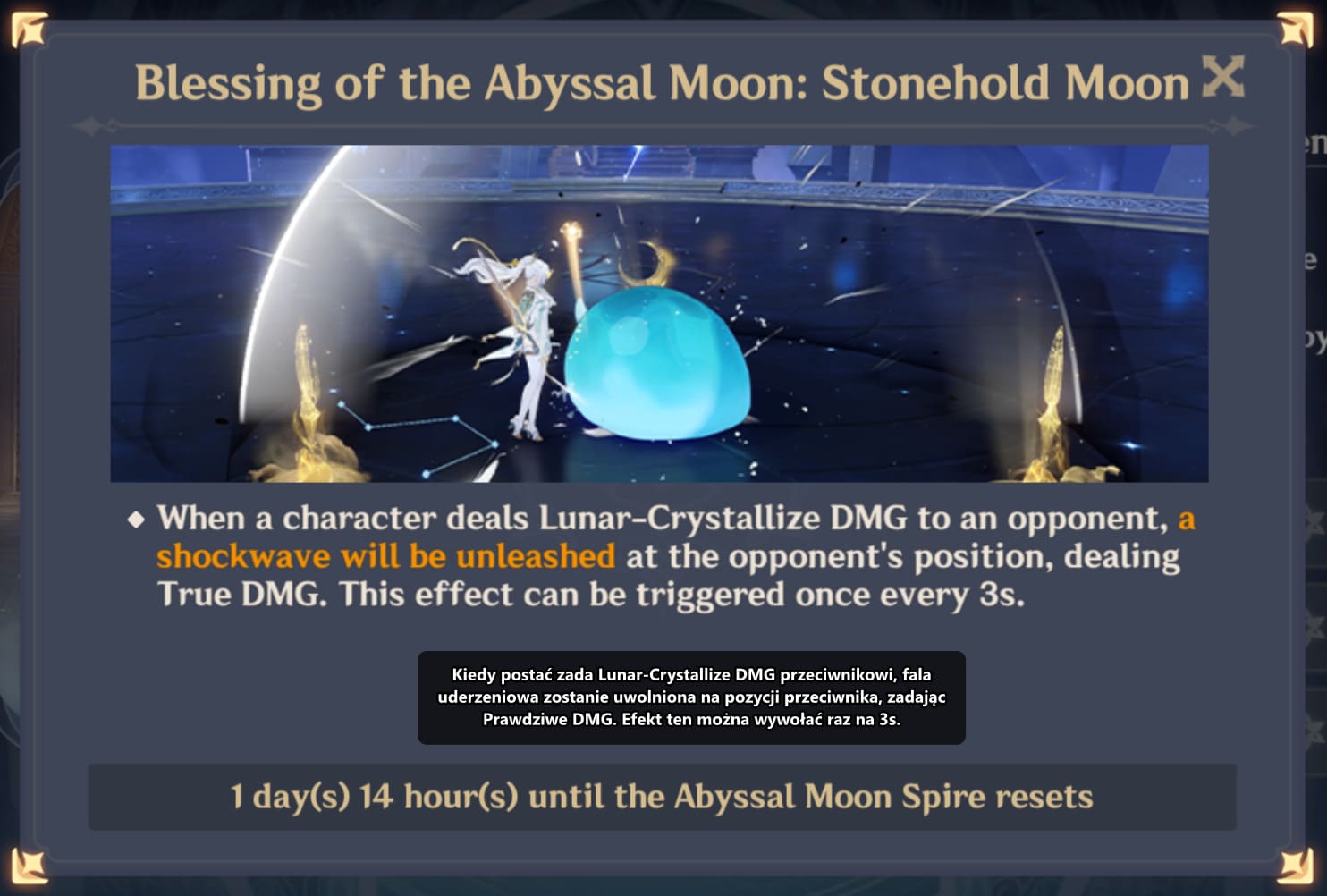
How Kaption works as a HoYoverse game translation overlay for story-heavy games such as Genshin Impact and Honkai: Star Rail, starting with Polish subtitle support.
 Safety
 Is Kaption safe to use with Genshin Impact and Honkai: Star Rail?
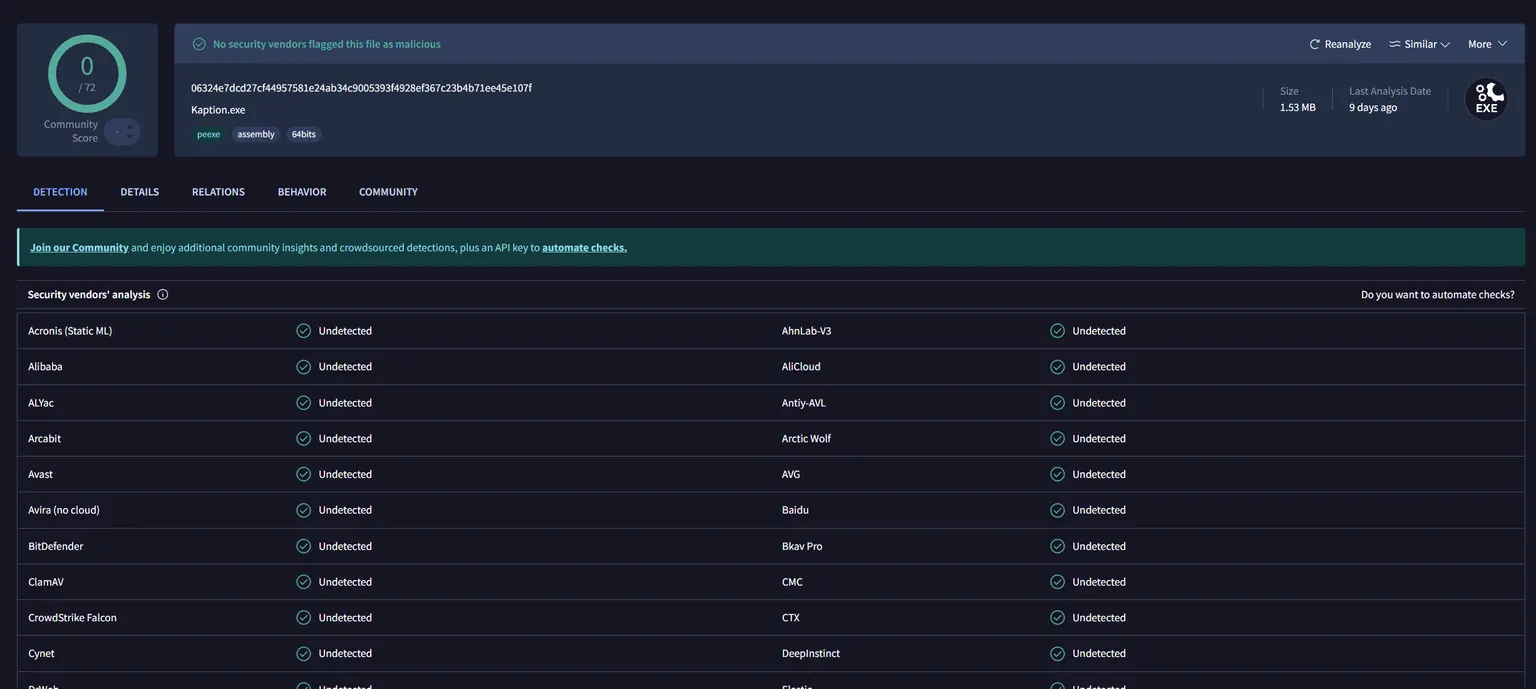
Kaption reads screen pixels and shows a subtitle overlay. It does not modify game files, inject code, hook processes, or read game memory. Every release is scanned on VirusTotal.
 Zenless Zone Zero
 Zenless Zone Zero Translation Overlay and Subtitles
Zenless Zone Zero ships in 13 languages, and Polish is not one. Kaption is a real-time translation overlay that reads the dialogue box and prints subtitles.